Most e-commerce brands have one good product photo and a long list of places that photo needs to show up: the grid, the email headers, the background behind every ad. A lifestyle shoot fills that list, but it needs a location, a stylist, and a full day, and it returns exactly one set of images for the price.
This replaces the shoot with a single reference photo and two prompts. One names ten real settings that fit your brand. The other turns your photo into each of them. Run that second prompt ten times, once per setting, and you get ten distinct scenes built around your product, with your product barely in most of them on purpose.
You are doing this in plain English, in two prompts. The first asks Claude for ten settings that actually fit your brand, so you are not staring at a blank page. The second turns your product photo into each of those ten scenes. Below is the build in full, using a real fragrance mist as the working example.
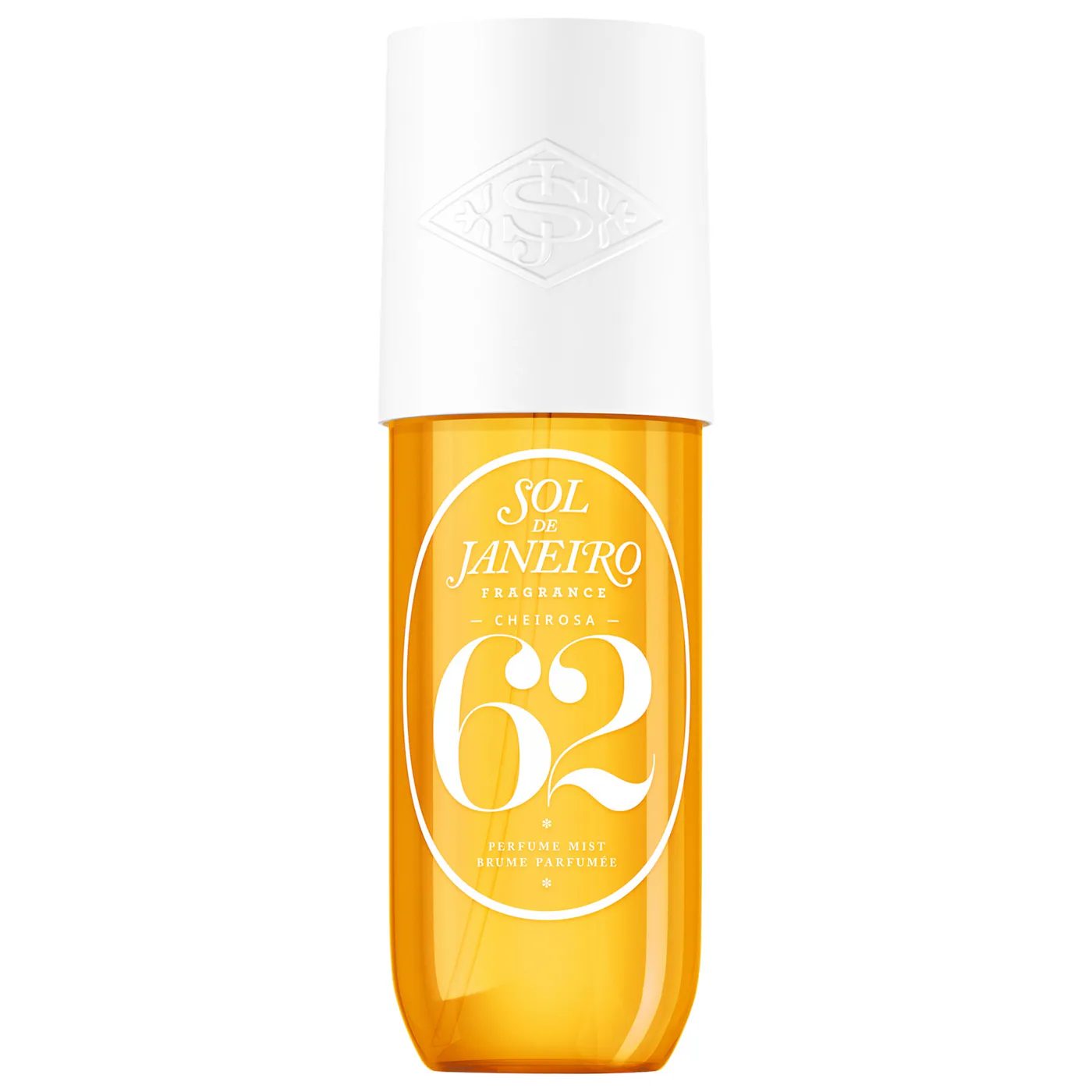
The one photoEverything below came from this single studio shot and nothing else.
The whole thing on one page
| Step | What you do | How long |
|---|---|---|
| 1 | Ask Claude for ten settings that fit your brand's real world | 2 to 5 min |
| 2 | Give Claude your product photo and run the image prompt once per setting | 15 to 20 min for ten |
| 3 | Check each result at full size, not the small preview | 5 min |
| 4 | Sort the ten into grid, email header, and ad background | 5 min |
What do you need before you start?
- One clean photo of your real product. Straight on, good light, plain background. This is the only photo of your product the entire set is built from.
- Your brand's own link or a short description of it. Claude uses this to write your ten settings in the first prompt below, not a beach, but the specific place your brand already lives, the way Sol de Janeiro's world is a real Rio beach, not a generic one.
- One sentence you do not skip. The line that keeps your product's design untouched belongs inside every prompt, not just the first one.
How do I get the ten settings?
Ask for them before you generate anything. Give Claude your brand and let it name real places, not categories you would have typed yourself.
What's the image prompt?
One prompt, reused for every setting from your list. Only the setting clause changes each time. Everything about how the product behaves in the frame stays exactly as written below.
"Occupying roughly 10 to 15 percent of the image" is the line doing the most work. "Small and secondary" on its own is a suggestion an AI model can ignore. A number is not.
What's the shot list?
Ten scenes from the actual build shown throughout this guide, Prompt 1 run once against a real Brazilian fragrance brand, then Prompt 2 run once per result. Your own ten will name your brand's real places instead.
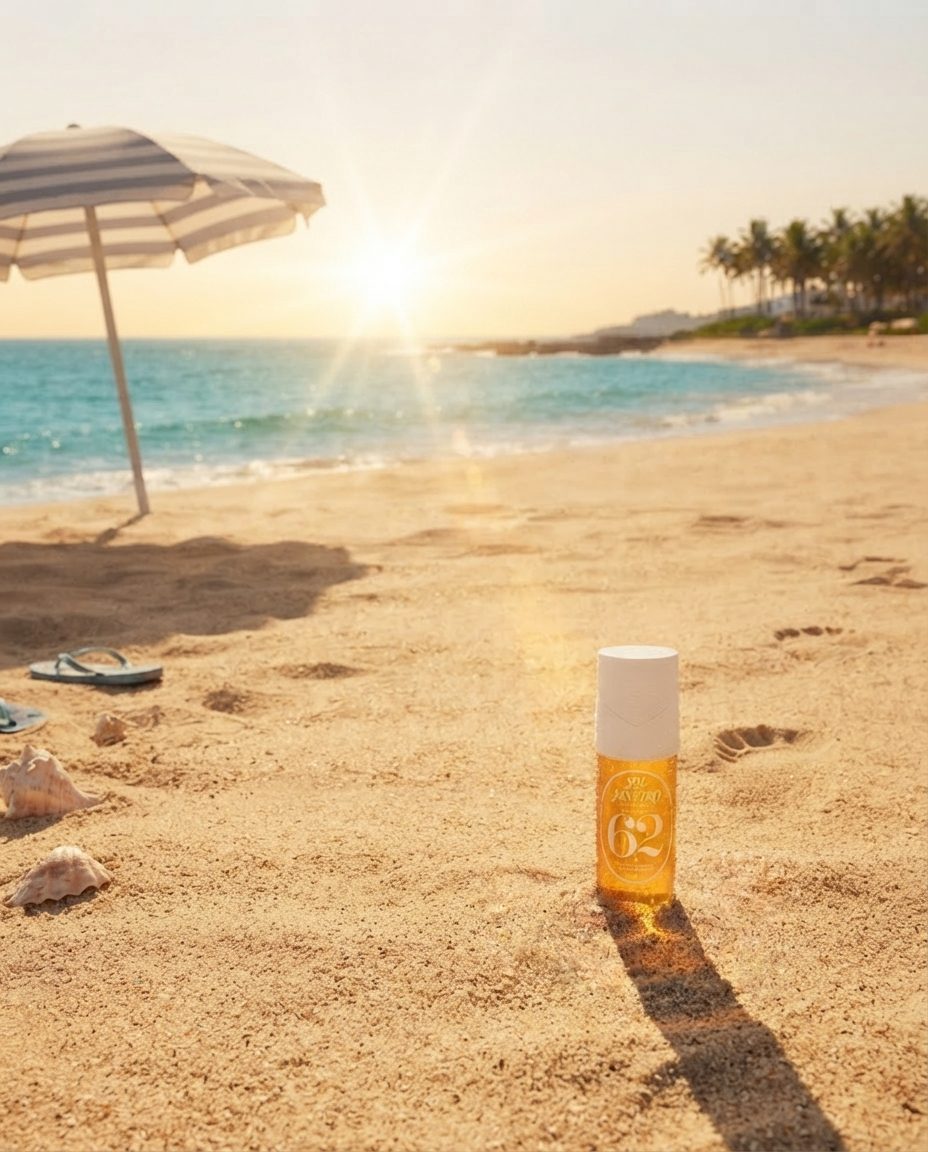
Scene 1, golden hour beachSand, striped umbrella shade, turquoise water.
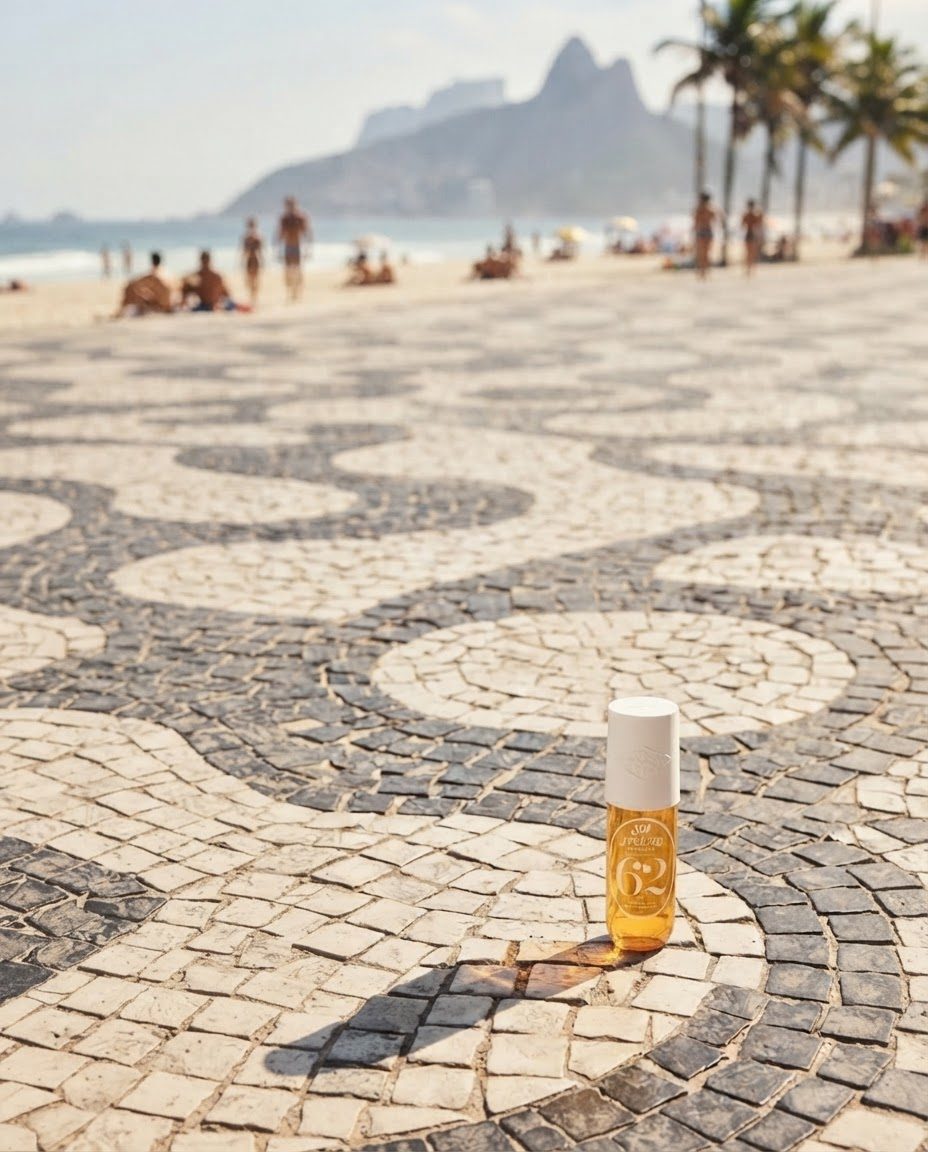
Scene 2, the boardwalkAn iconic real pavement pattern, midday sun.
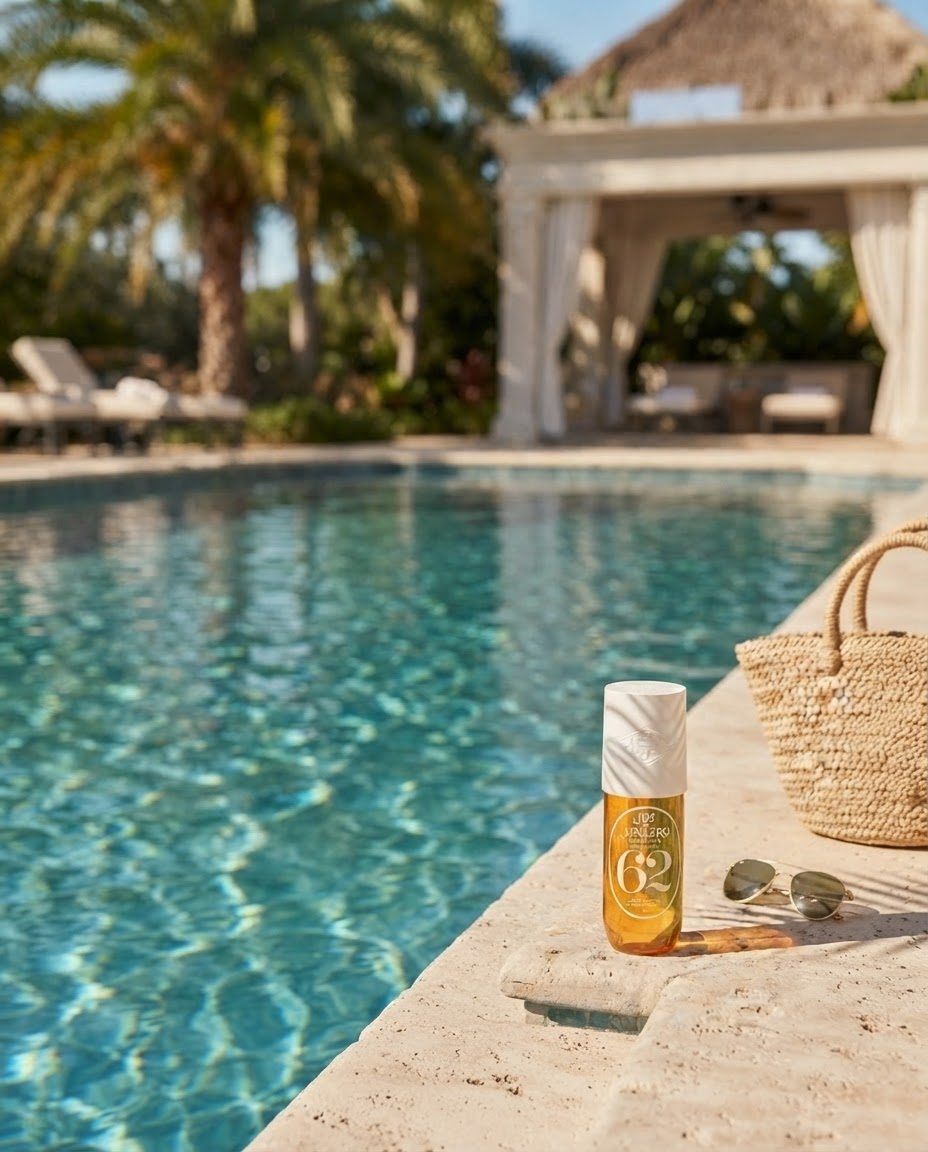
Scene 3, poolsideWater reflections, dappled palm-leaf shadow.
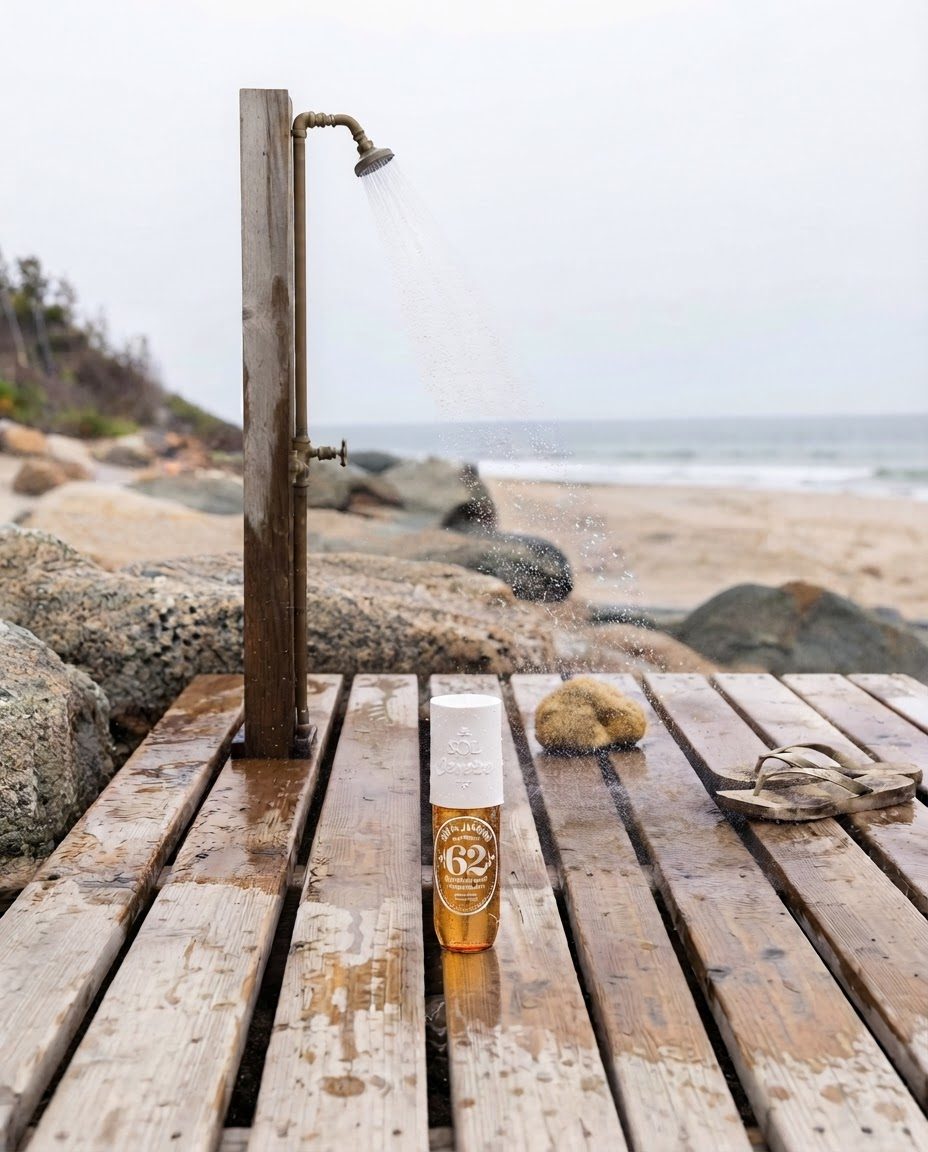
Scene 4, outdoor showerWet wood, water droplets, a fresh-out-of-the-ocean mood.
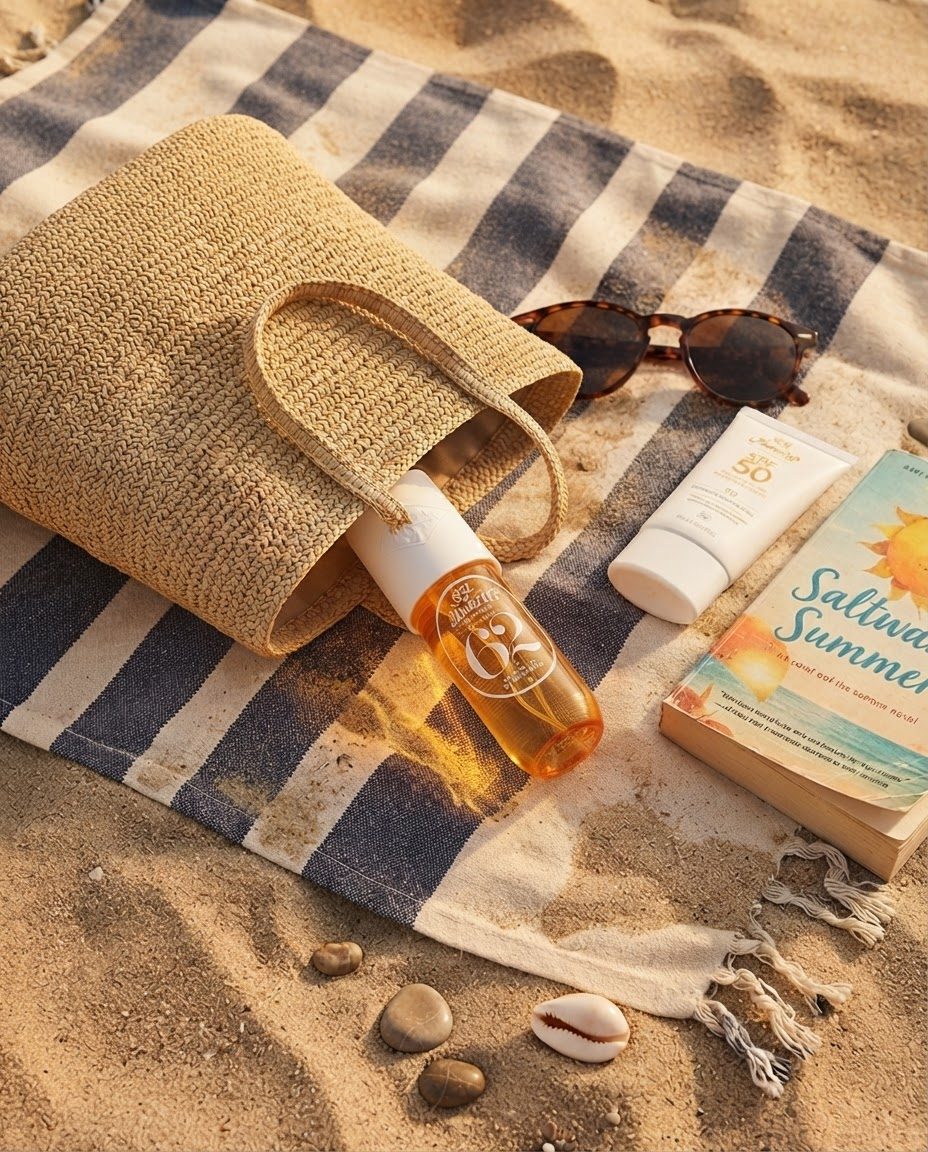
Scene 5, the bag spillA flatlay of everything that comes to the beach with it.
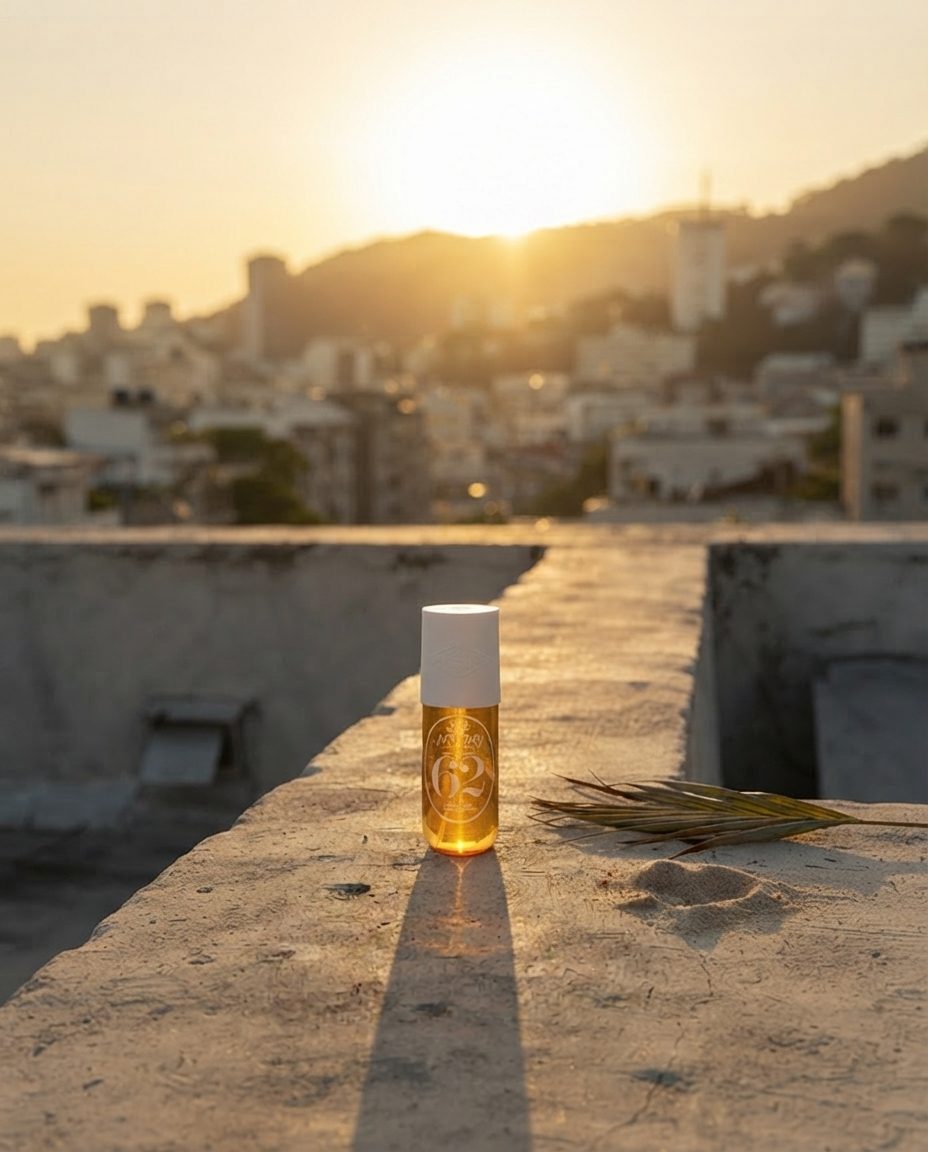
Scene 6, rooftop sunsetA city skyline silhouette, warm backlight.
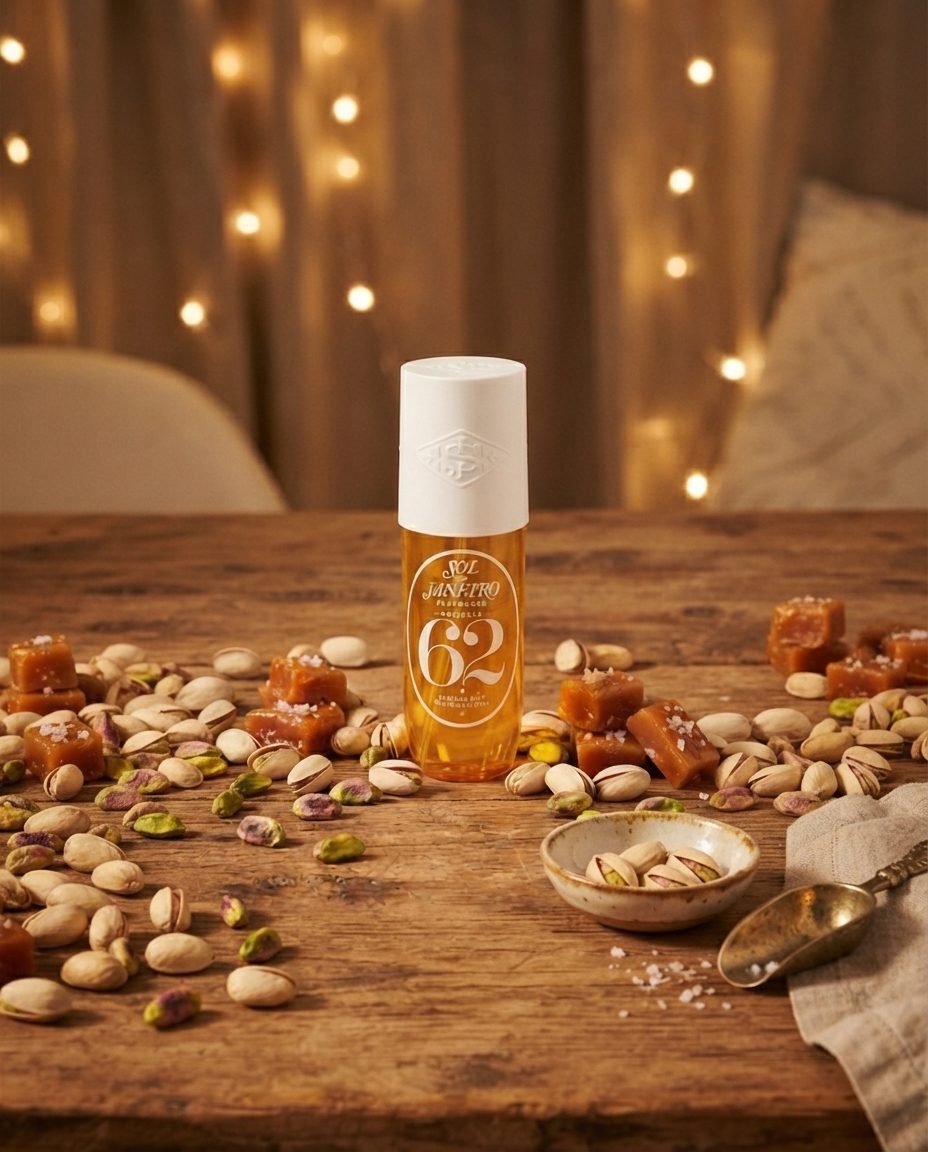
Scene 7, the ingredient storyStyled around the product's own notes, not a generic prop.
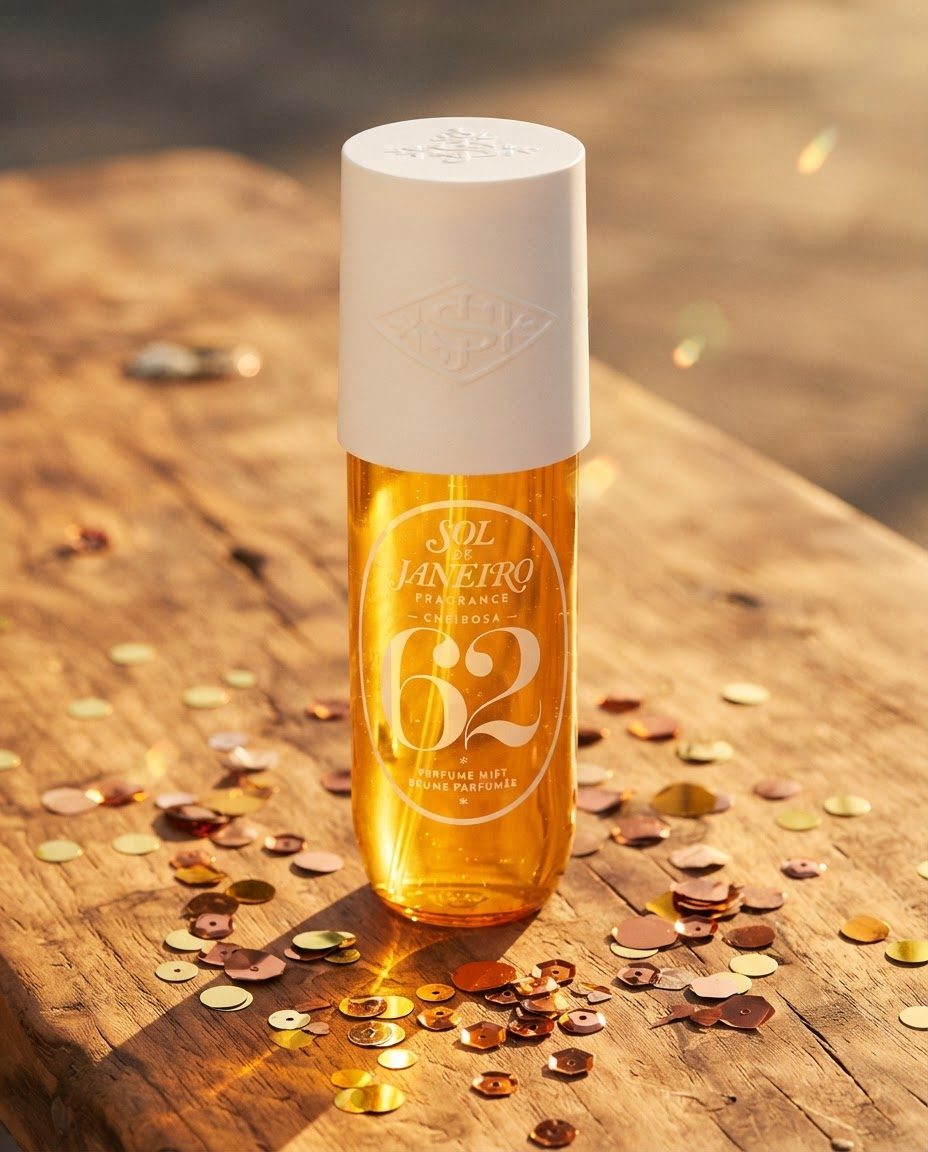
Scene 8, festive textureA seasonal surface treatment, still on-brand.
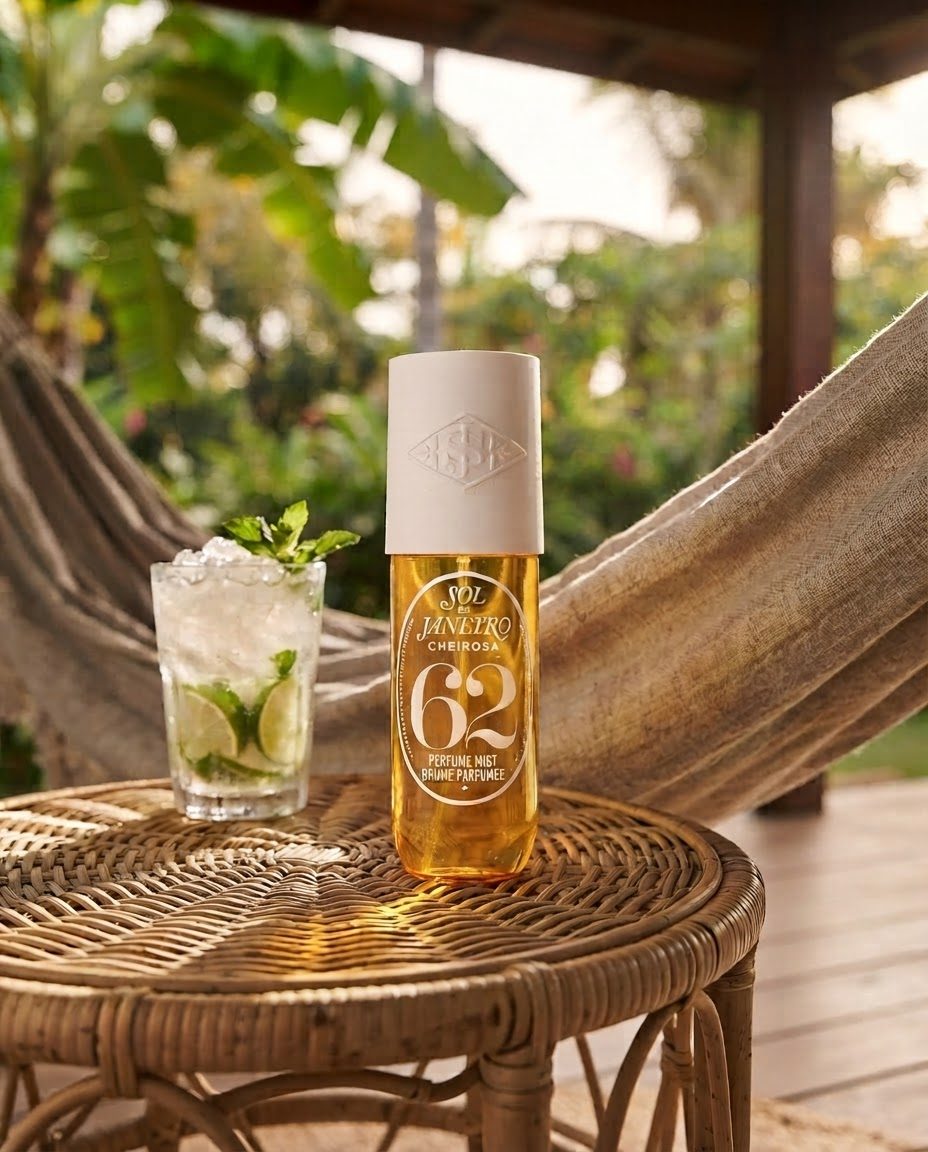
Scene 9, the verandaA slower, lived-in lifestyle moment.
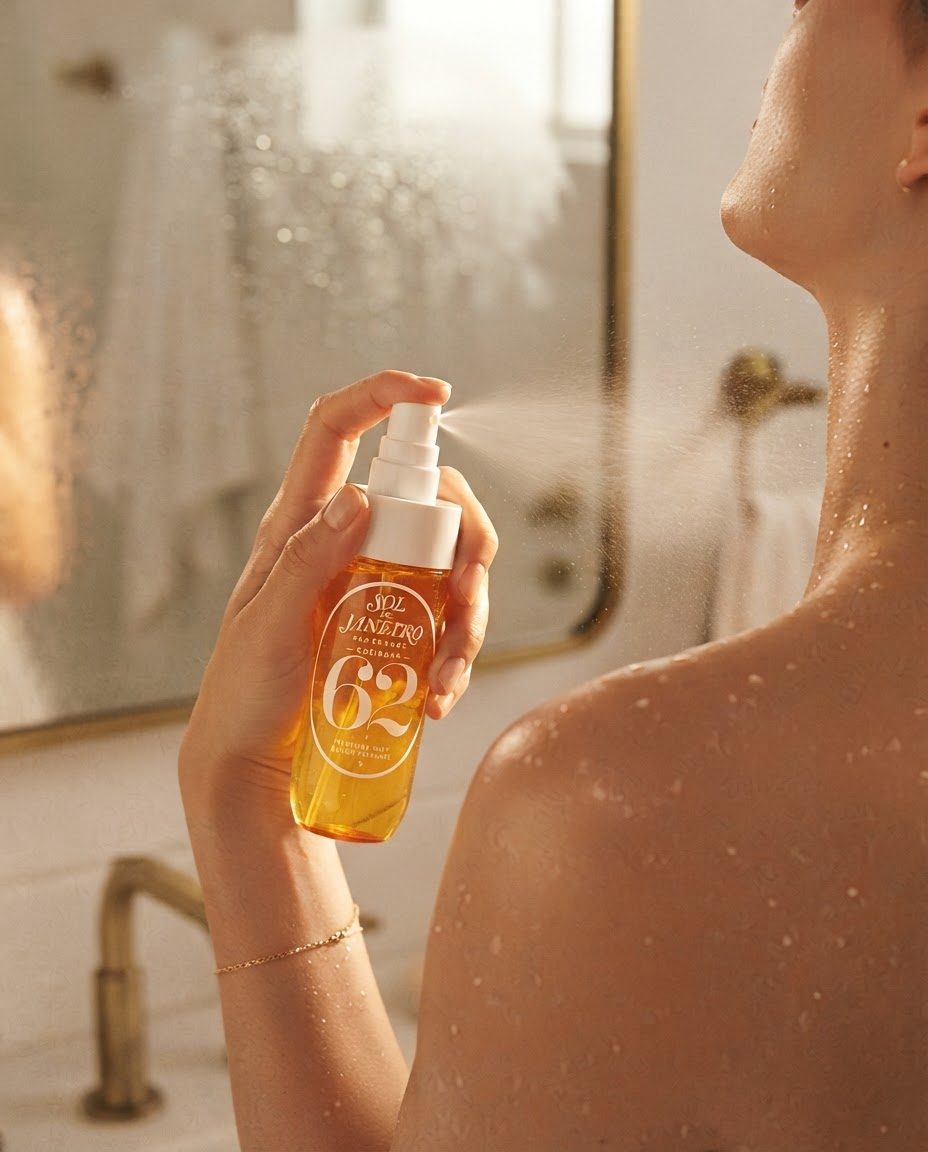
Scene 10, the ritualThe actual moment of use, close and intimate.
Run Prompt 2 once per setting from your Prompt 1 list, pasting a different one into the setting clause each time. Every image points back at the same original product photo.
The prompt chain, in order
This is what Prompt 1 returned for this build, and what Prompt 2 did with each one.
| # | Setting from Prompt 1 | What it's for |
|---|---|---|
| 1 | Golden-hour beach, striped umbrella shade | Grid, ad background |
| 2 | An iconic real pavement or boardwalk | Grid, website hero |
| 3 | Poolside ledge, water reflections | Ad background |
| 4 | Outdoor shower, wet wood, water droplets | Email header |
| 5 | Contents of a beach tote spilled on a towel | Grid flatlay |
| 6 | Rooftop at sunset, city skyline silhouette | Ad background, hero banner |
| 7 | Tabletop styled around the product's own notes or ingredients | Grid, story angle |
| 8 | A seasonal or festive texture | Grid, seasonal post |
| 9 | A slower lifestyle scene, lounging | Email header |
| 10 | The moment of actual use, close crop | Grid, self-care angle |
Four things that make the difference
Name the real place, not the category. "A beach" returns stock-photo mush. "The wave-pattern mosaic pavement of a Rio boardwalk" returns something that looks like it was actually shot there.
Say the percentage out loud. A number in the prompt is a rule the model follows. A word like "small" is a suggestion it can quietly ignore.
Reference the same original photo every time. Point every one of the ten generations back at the same starting photo, never at a previous result. That is what keeps the label and the bottle shape identical across the whole set.
Check every result at full size before you use it. Small text on a product label is the first thing that goes wrong in a wide shot, and it is invisible in a thumbnail preview.
The checklist before you post
- One clean product photo ready, plain background
- Prompt 1 run, with ten real settings back that fit your brand's actual world, not generic categories
- Prompt 2 saved somewhere you can paste it ten times, swapping in one setting each time
- Each result checked at full size for label and text accuracy
- Product still identifiable in every shot, even where it is small
- Each image cropped to where it is actually going: grid, email, or ad
How is this different from booking a lifestyle photo shoot?
A shoot needs a location, a stylist, and a full day, and it returns one set of images at one price. This produces ten distinct backdrops from a single reference photo and two prompts, in about twenty minutes, at the cost of a handful of image credits.
Do I need to come up with the ten settings myself?
No. That is Prompt 1. Give Claude your brand's link or a short description and it returns ten specific real-world settings that fit your brand, each one labeled for where it is meant to go: your grid, an email header, or an ad background.
Why does the product need to stay small in the frame?
A brand world sells the feeling before it sells the object. Ten posts with your product front and center reads as a catalog. Ten posts where your product surfaces inside a place your customer wants to be reads as a brand.
What stops the AI from changing my product's design?
One line in the prompt, said every time: keep the product's shape, color, label, and every printed detail exactly as shown in the reference photo. Paired with pointing every generation back at the same original photo rather than a previous result, the design holds across all ten.
Can I reuse the same ten images for my grid, my emails, and my ads?
Yes, that is the point of building ten at once. Crop each one to the aspect ratio the placement needs, an Instagram feed post, an email header, an ad account upload, rather than generating a separate set for each.
What if one of the ten scenes doesn't feel right for my brand?
Ask for the one change you want, naming that shot specifically, and keep everything else the same. Swap a setting entirely rather than trying to describe your way around one that isn't working.