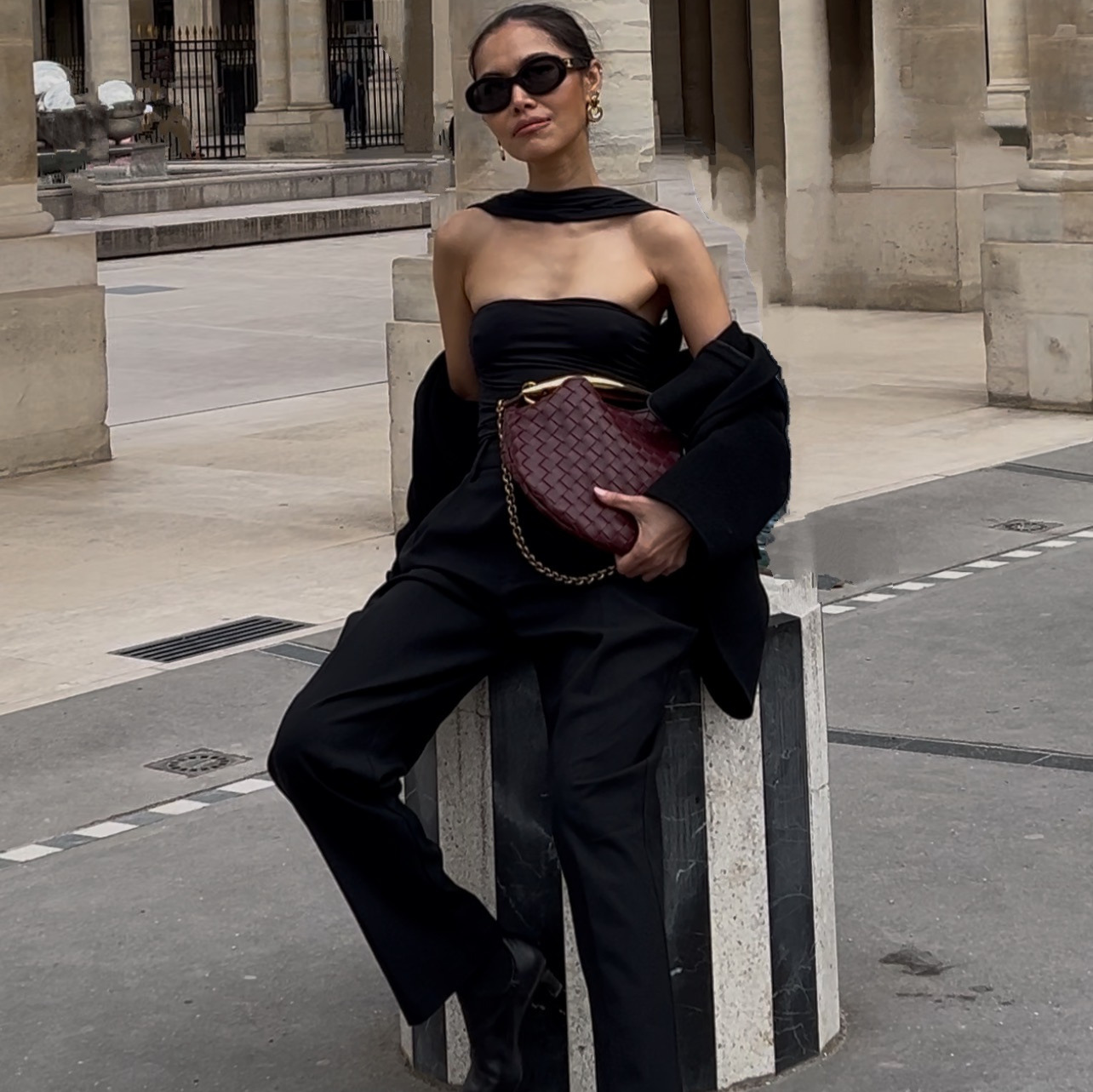
A single email banner from a designer means one photo, one message, and a wait for the file. A full week of sends, each one different, usually means either five separate briefs or five separate templates pulled from a stock library a hundred other brands already used.
This replaces both with Claude directing an image model against your own product photo and a banner style you actually like, so every send looks different but the product on screen is real. The five banners in this guide came from one product photoshoot and five reference styles I already had saved from emails I liked.
You do this in plain English. Screenshot a banner style, hand Claude your product photo, and review the exact prompt before anything generates.
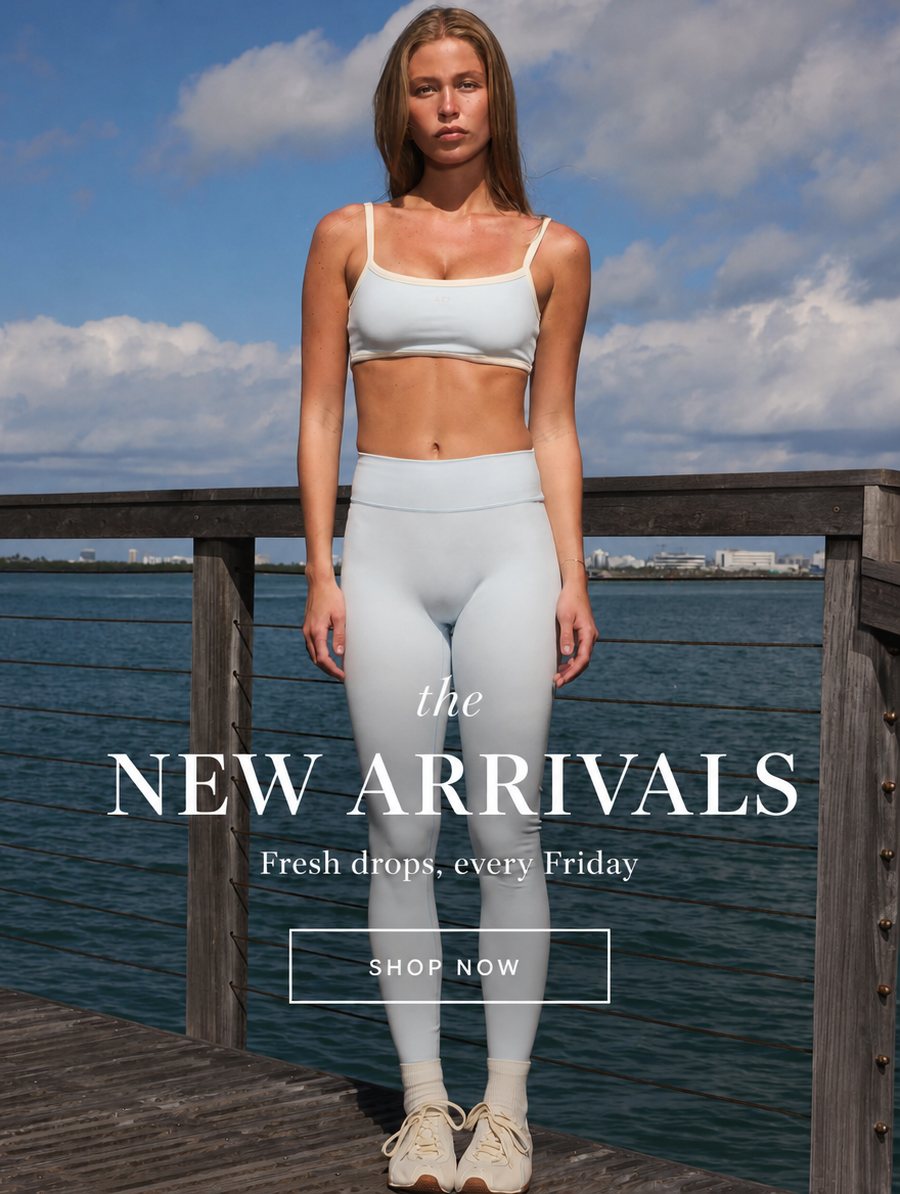
One of fiveBuilt from a single product photo and one saved reference style.
The whole thing on one page
| Step | What you do | How long |
|---|---|---|
| 1 | Decide how many banner styles you want and save a screenshot of each | 10 min |
| 2 | Attach your product photo, or a few crops from the same shoot | 2 min |
| 3 | Tell Claude which photo goes with which style, in plain English | 3 min |
| 4 | Review the prompt for each banner before it generates | 5 min |
| 5 | Look at the results and ask for one change on anything that needs it | 5 min |
| 6 | Approve the finished set | done |
What you need before you start
- Your product photo. One clean shot is enough. A few crops from the same shoot let you build more banners without a second photoshoot.
- A handful of email banner styles you actually like, saved as screenshots. This is your style reference, not a written description. Claude matches a design it can see far better than one it has to guess at.
- A one-line message for each banner. What it is promoting, not full ad copy. Decide this before you start. Claude can only lock a headline you have actually chosen.
How do you get a banner built in someone else's exact style?
Screenshot the banner style you want and attach your own product photo in the same message, then ask Claude to build it in that style.
Screenshot the style, don't describe it. Claude matches a design it can see far better than one it has to guess at from a description.
How do you build a warmer, personality-led banner?
Ask for the editorial pick style: a headline, a full-bleed photo, and a short handwritten-style note in one corner.
What if I want more than one photo in the same banner?
Ask for the collage version and tell Claude which photo goes where.
One photoshoot covers more ground than it looks like it can. Different crops of the same shoot read as different banners once they are styled differently.
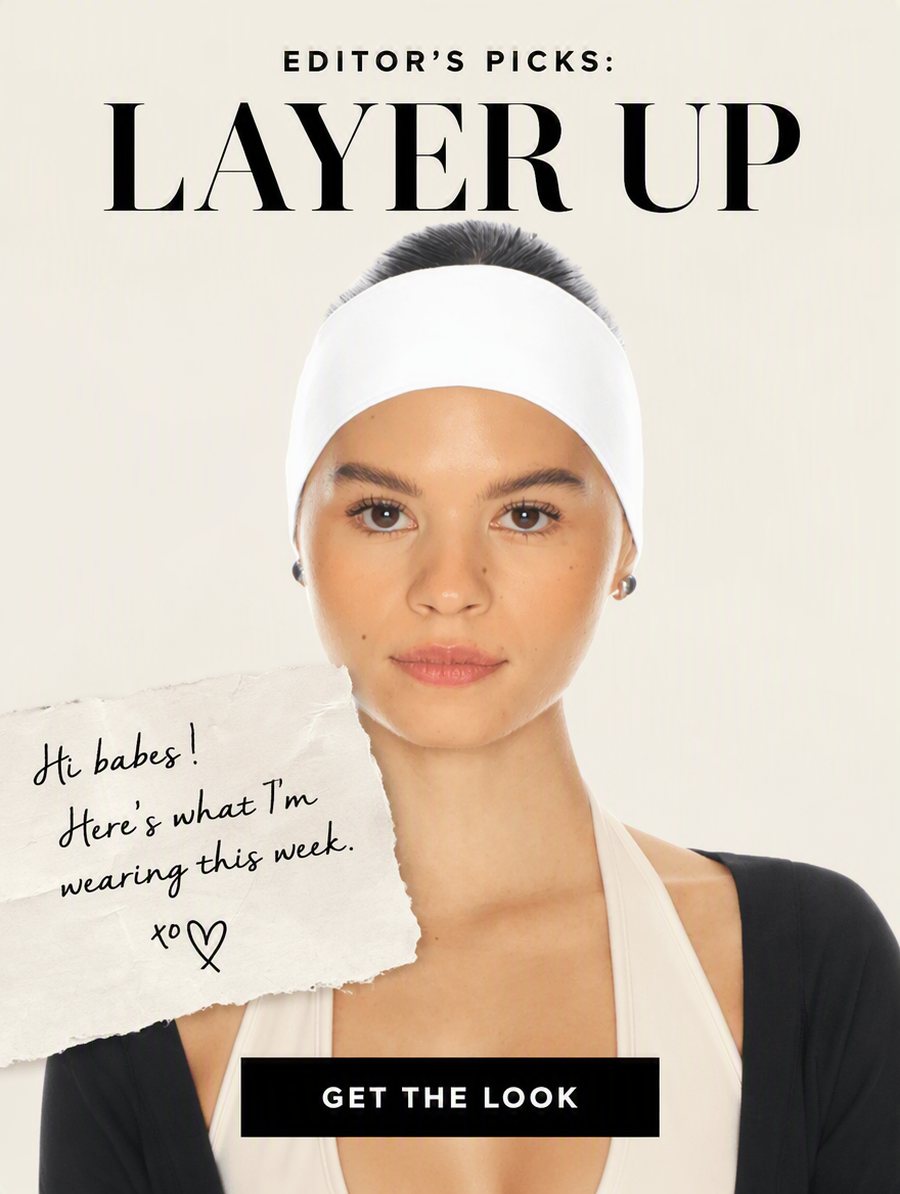
Editorial pickPrompt 2, the note-card style.
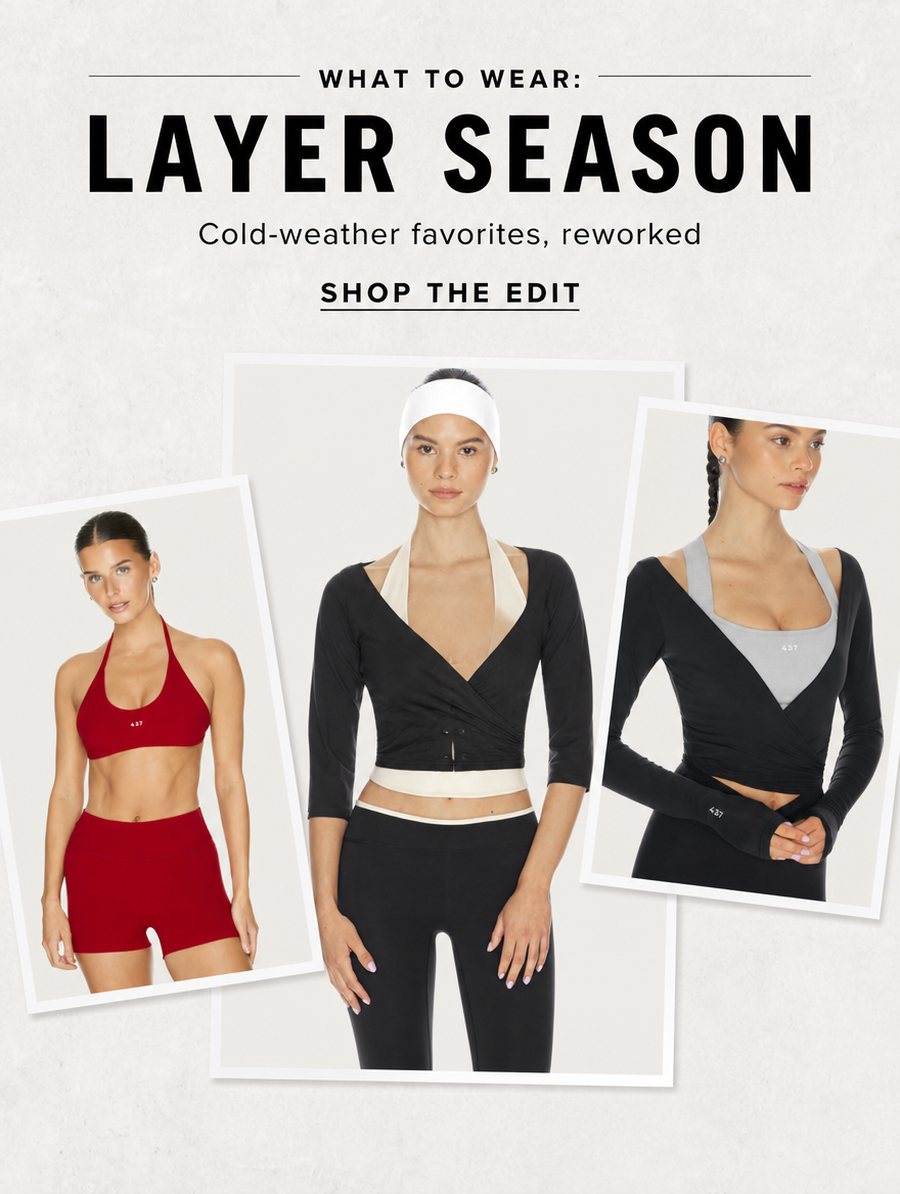
Three-photo collagePrompt 3, three crops from one shoot.
How do you get all five from just three prompts?
Run the same method again: screenshot another style you like, attach a different crop of your product photo, and ask Claude to match it. The two banners below finish out the set, both built with the same screenshot-and-match method as the three prompts above, just pointed at a different reference each time.
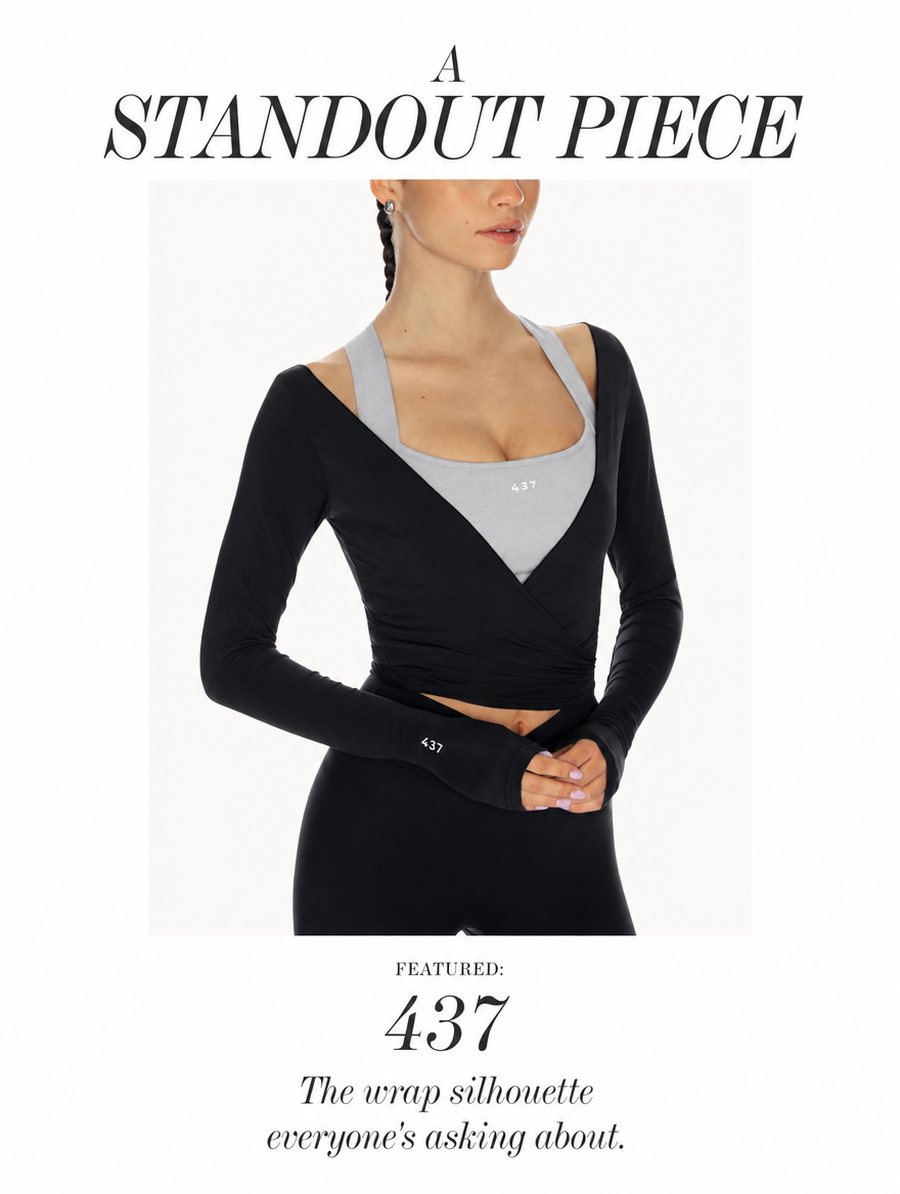
A fourth sendSame method, a different reference screenshot and a tighter product crop.
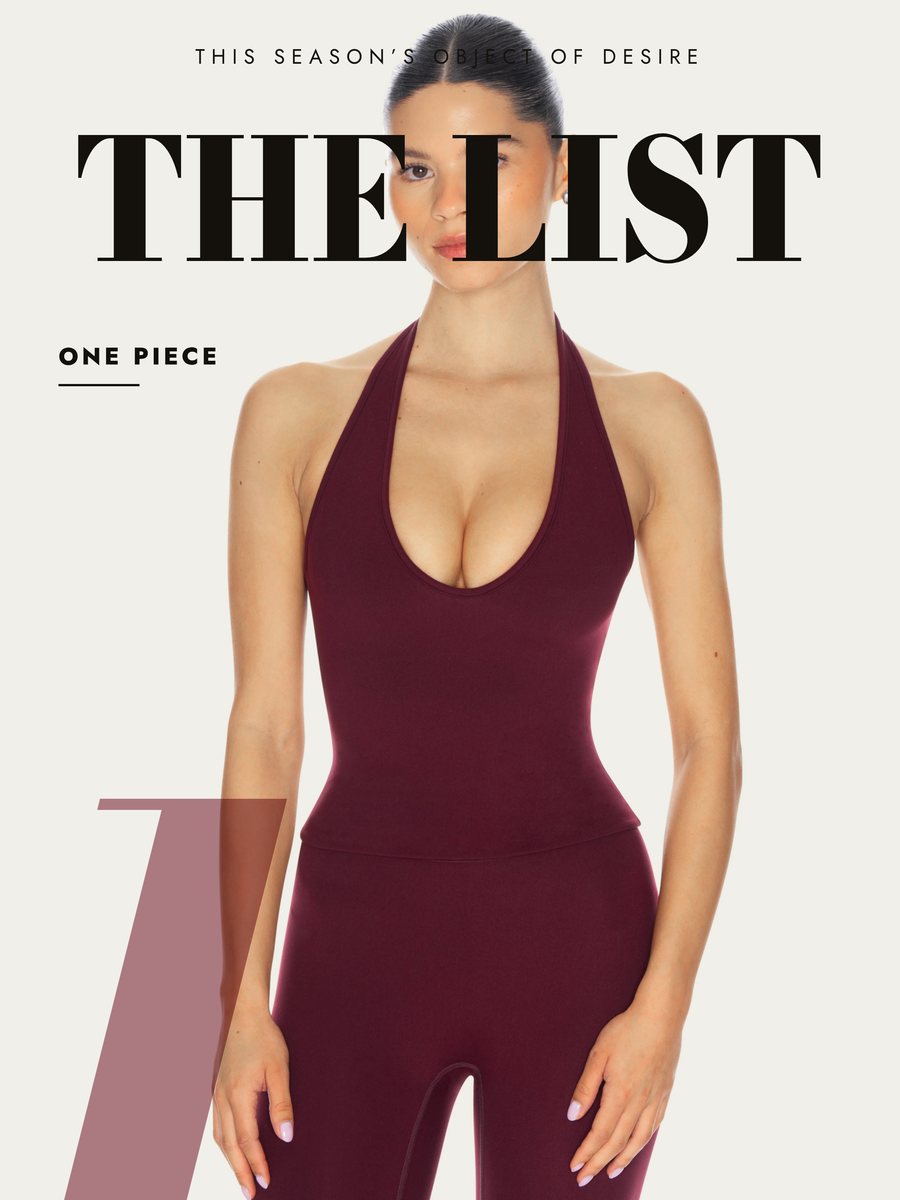
A fifth sendSame three steps again, a bolder reference this time.
The prompt chain, in order
| # | Prompt | What you get |
|---|---|---|
| 1 | Full-bleed lifestyle hero | A banner built around one photo, headline low on the frame |
| 2 | Editorial pick, with a note card | A warmer, personality-led banner |
| 3 | Three-photo collage | One banner combining up to three crops from the same shoot |
Five things that make the difference
Screenshot the style, don't describe it. Claude matches a design it can see far better than one it has to guess at from a description.
Keep your headline to two or three words. A full sentence baked into a banner often comes back blurred or misspelled. A short line survives.
One product shoot covers more than one banner. A handful of crops from the same shoot builds a full week of different-looking sends.
If a photo gets blocked, ask for it placed instead of regenerated. Same look, no risk of it being rejected again, because nothing about the photo itself changes.
Review the prompt before it runs. Approving a written prompt costs nothing. Rerunning a guess costs a real generation.
The checklist before you send this to anyone
- I saved a screenshot of each banner style I want, not just a description
- I have a clean product photo, or a few crops from the same shoot
- I gave Claude a one-line message for each banner, not full ad copy
- I reviewed each prompt before it generated
- I asked for one change at a time on anything that needed it
- I checked the finished banners at full size before sending them
Do I need design software for this?
No. Claude builds each banner directly from your product photo and a screenshot of a style you like, inside the same conversation.
Can I use a photo that shows more skin, like swimwear or shapewear?
Sometimes. If the image generator blocks it, ask Claude to place your real photo directly into the design instead of generating a new version of it. That works regardless of what the photo shows.
How many banners can I get from one photoshoot?
As many as you have usable crops or angles. Five is a realistic week's worth of sends from one shoot.
Why review the prompt before it generates?
Reviewing a written prompt costs nothing. Approving it before it runs means you are paying for a render you already checked, not a guess.
What if the first version does not match my brand?
Say what is off in plain English, one change at a time, the same way you would direct a photographer. Claude rewrites the prompt and shows you the new version before running it again.