What is Higgsfield Genjutsu?
Genjutsu turns a reference video into a new scene using your own images. You can bring in your model, outfits, products and setting while borrowing the movement and camera direction from the original clip.
- Motion Transfer: use the reference clip’s motion, camera movement and timing with a new look.
- Object Swap: replace a selected person, outfit, product or setting while keeping the rest of the shot.
- Visual references: show Genjutsu what you want to feature instead of describing everything from scratch.
No video editing experience is needed to get started. Choose a template, add your images and describe the result. Review the output before you use it.
Feature reference: Higgsfield’s Genjutsu overview.
How to use it for your brand
- Choose your starting video. Browse the Genjutsu templates, or upload a video you like as your reference. Pick movement that suits the product you want to show.
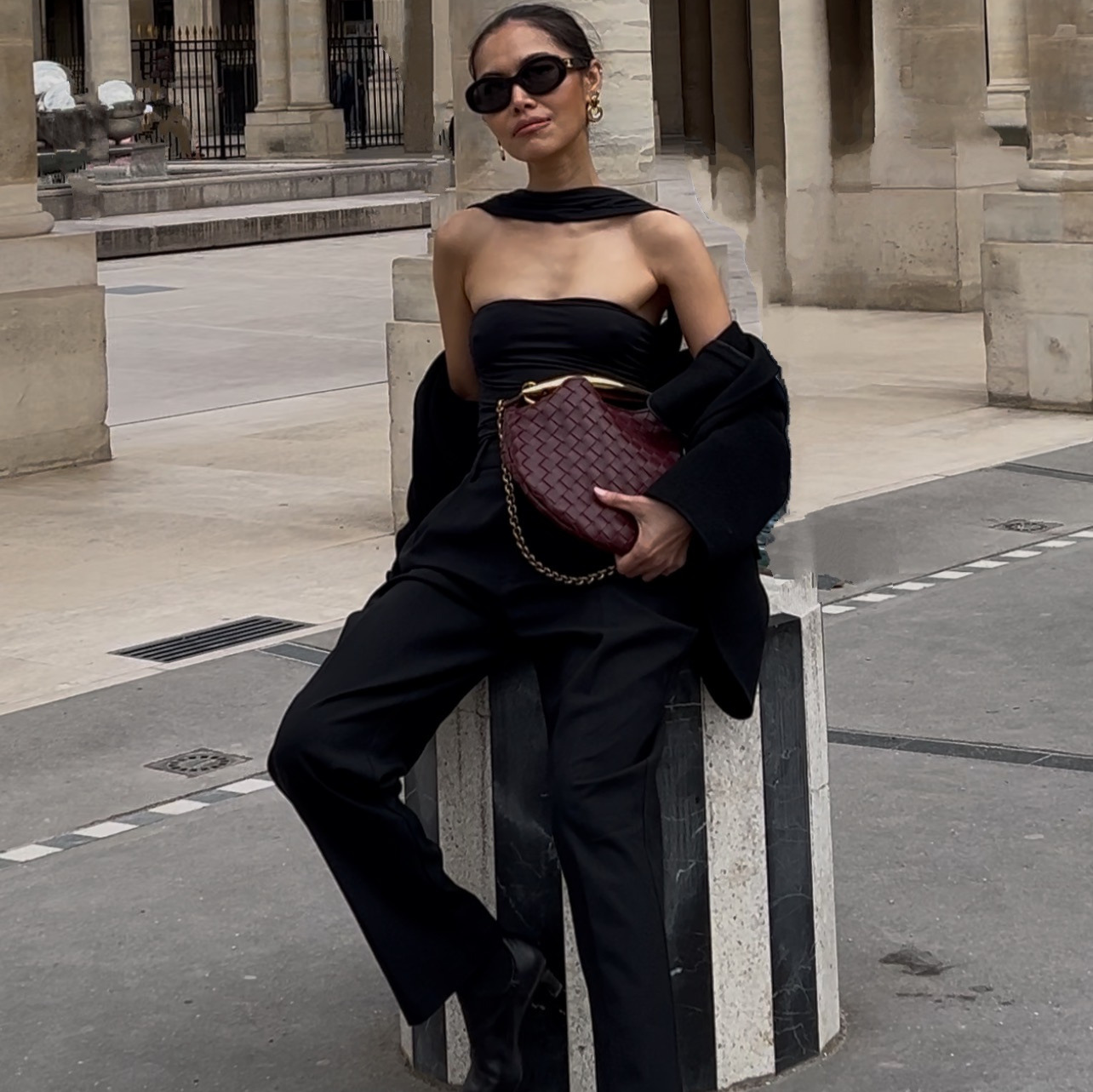
- Add your images. Upload your product photos, outfit references and setting. Add a photo of yourself or your AI model if you want a person in the video.
- Describe what should change. Start with one of my prompts below. Name the images, the products and the order you want them to appear.
- Generate and review. Check the face, product details and transitions before using the result in a reel, product launch or campaign.
My videos and the prompts I used
These are my original prompts. Keep the structure and adapt the references to your own brand.
Outfit changes with each pose
Make it yours. Attach your model, setting and all four outfit references. Make clear which image plays each role.
A fashion walk with my identity
Make it yours. Attach your identity photo and outfit reference. Replace the suit and suede outfit descriptions with your own clothing.
Outfit transitions in a set order
Make it yours. Match the image references: Image 1 = model; Image 3 = opening outfit; Image 4 = second outfit; Image 2 = final outfit; Image 5 = setting. Select the matching uploaded images in Genjutsu so the mentions point to your own files.
The detail that matters: a prompt asks for identity and product consistency; it does not guarantee it. Compare the finished video with your reference photos before publishing.