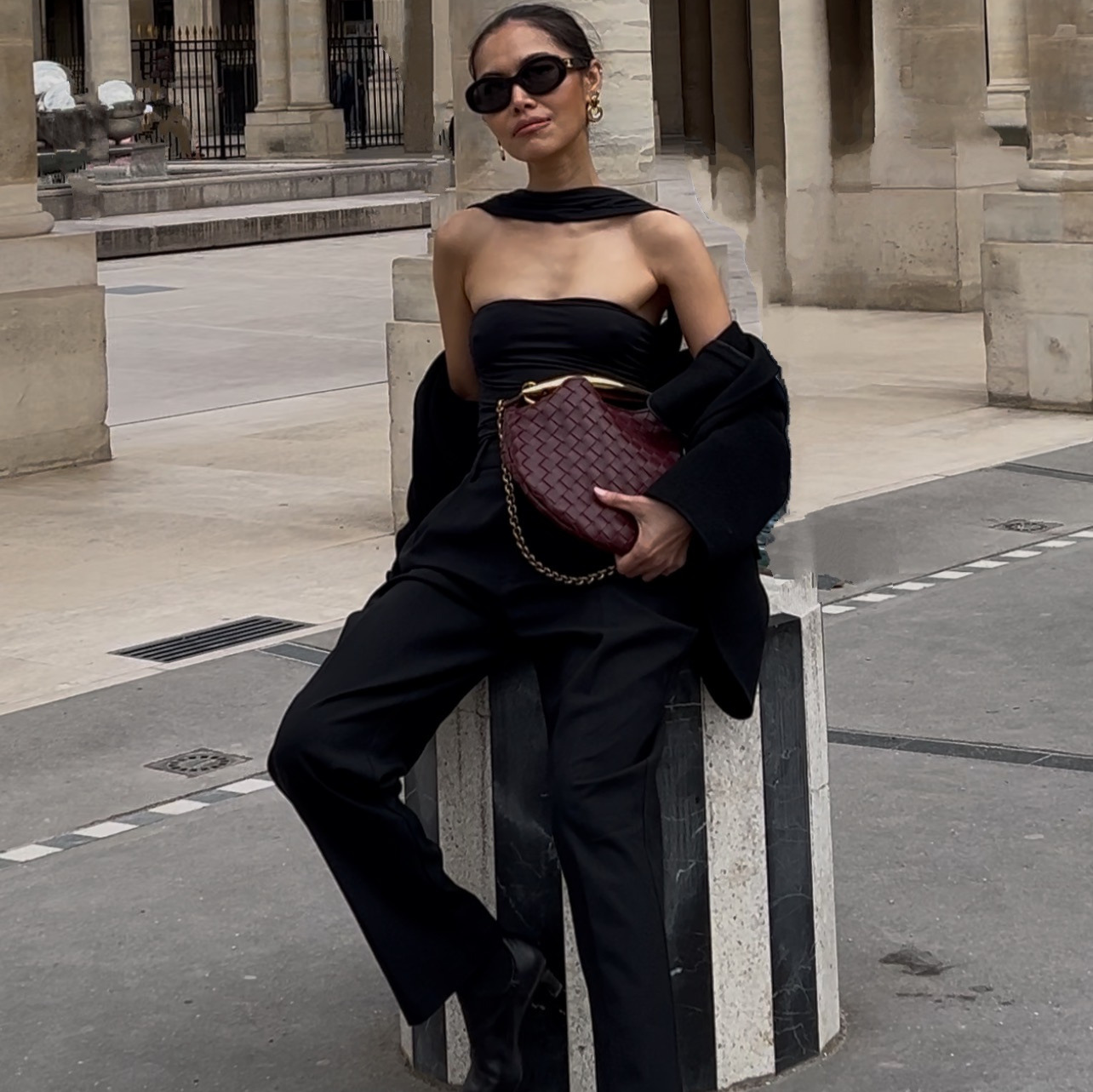
A finished set of marketing assets, a couple of different backgrounds, a hands-on shot, one clip that actually moves, usually means booking a photographer, a model, and a set, then paying for all three again the next time you want a new look.
Higgsfield Marketing Studio replaces that shoot. I built four finished product images and one motion clip from a single phone photo of the product, without hiring anyone or opening a prompting guide.
Two features do the work, Product Shot for stills and Motion for anything that moves. Both work the same way. You upload your photo, pick a template that already has the mood you want, and let it run. If you want one specific thing changed, you say so in plain English.
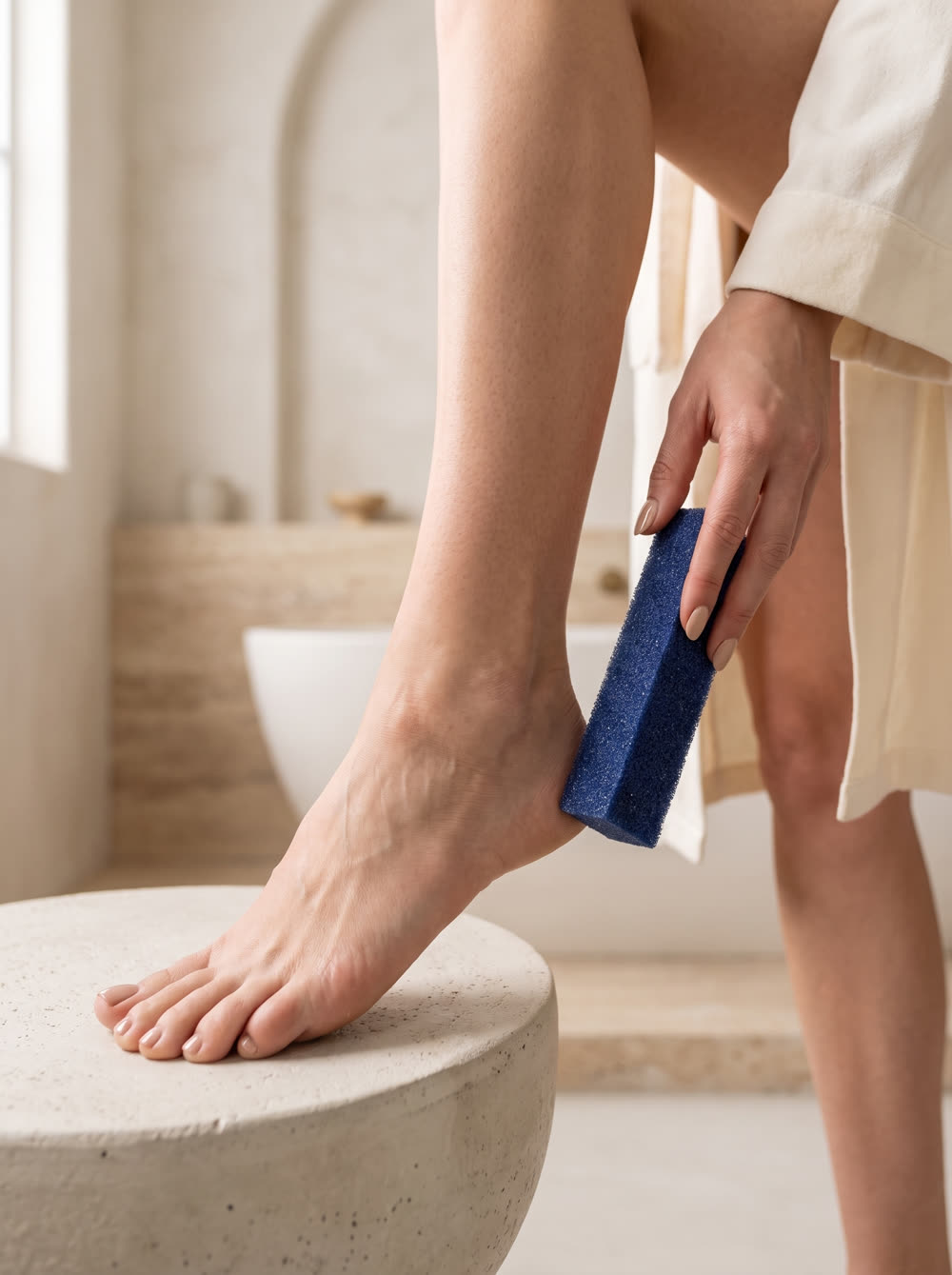
One of the finished stillsProduct Shot, built from a phone photo of the product and a template.
The whole thing on one page
| Step | What you do | How long |
|---|---|---|
| One | Upload one clear photo of the product | 1 minute |
| Two | Pick a Product Shot template with the mood you want, generate | 2 minutes per image |
| Three | Repeat with a different template for another look | 2 minutes per image |
| Four | Pick a Motion template, generate the clip | 2 minutes |
| Five | Describe any change you want in plain English | optional, under a minute |
What do you need before you start?
- One clear product photo. It does not need a professional shoot, a phone photo showing the product on its own is enough.
- A Higgsfield account with Marketing Studio access. The templates and both features live inside it.
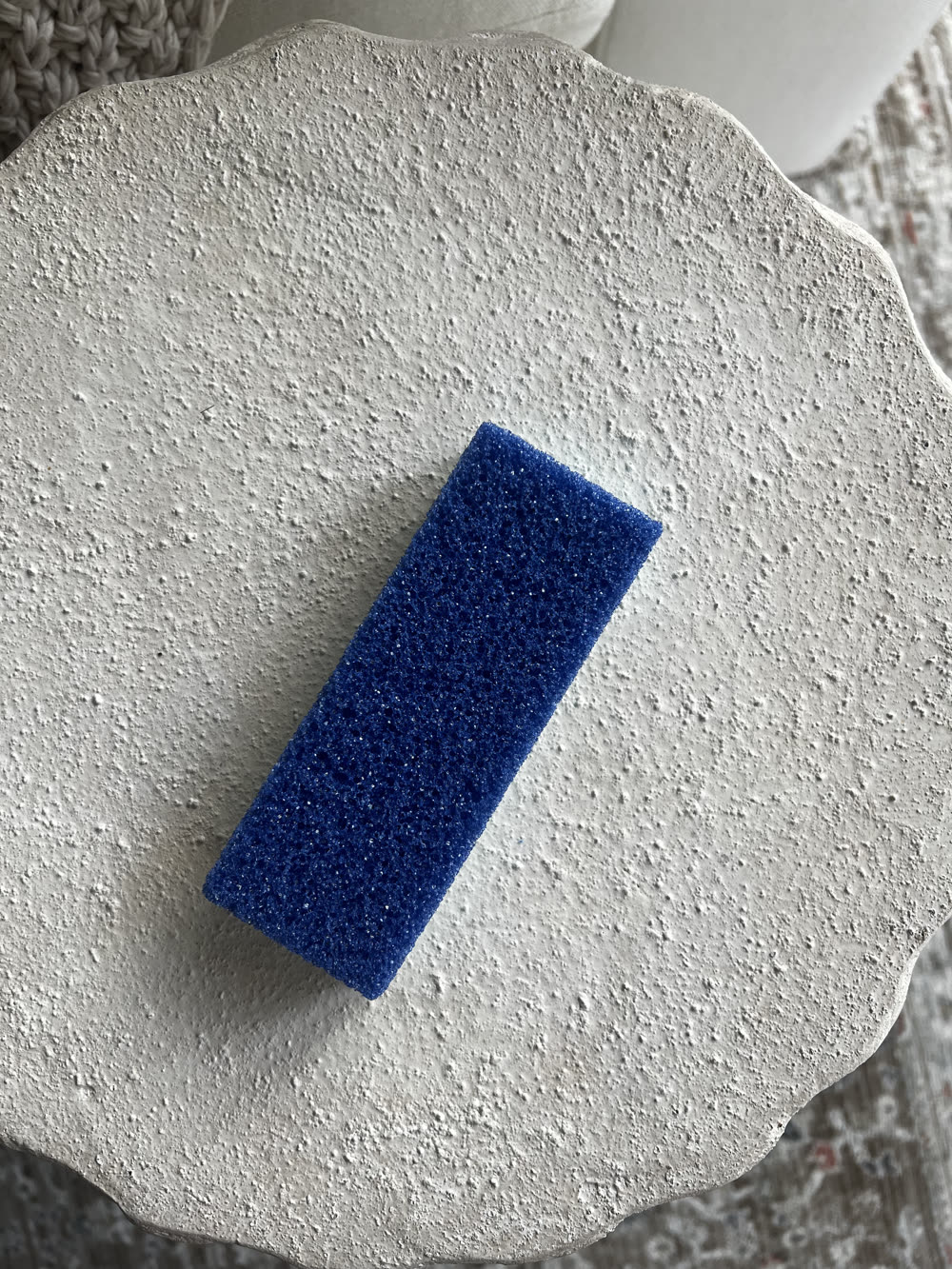
The one photo I started withA phone photo of the product on its own, no styling, no set.
How does Product Shot turn one photo into a finished image?
You upload the photo, choose a template, and Marketing Studio composites your product into that template's scene on its own, no prompt required. Different templates carry a completely different mood, so the fastest way to find your look is to run the same photo through two or three before picking a favorite.
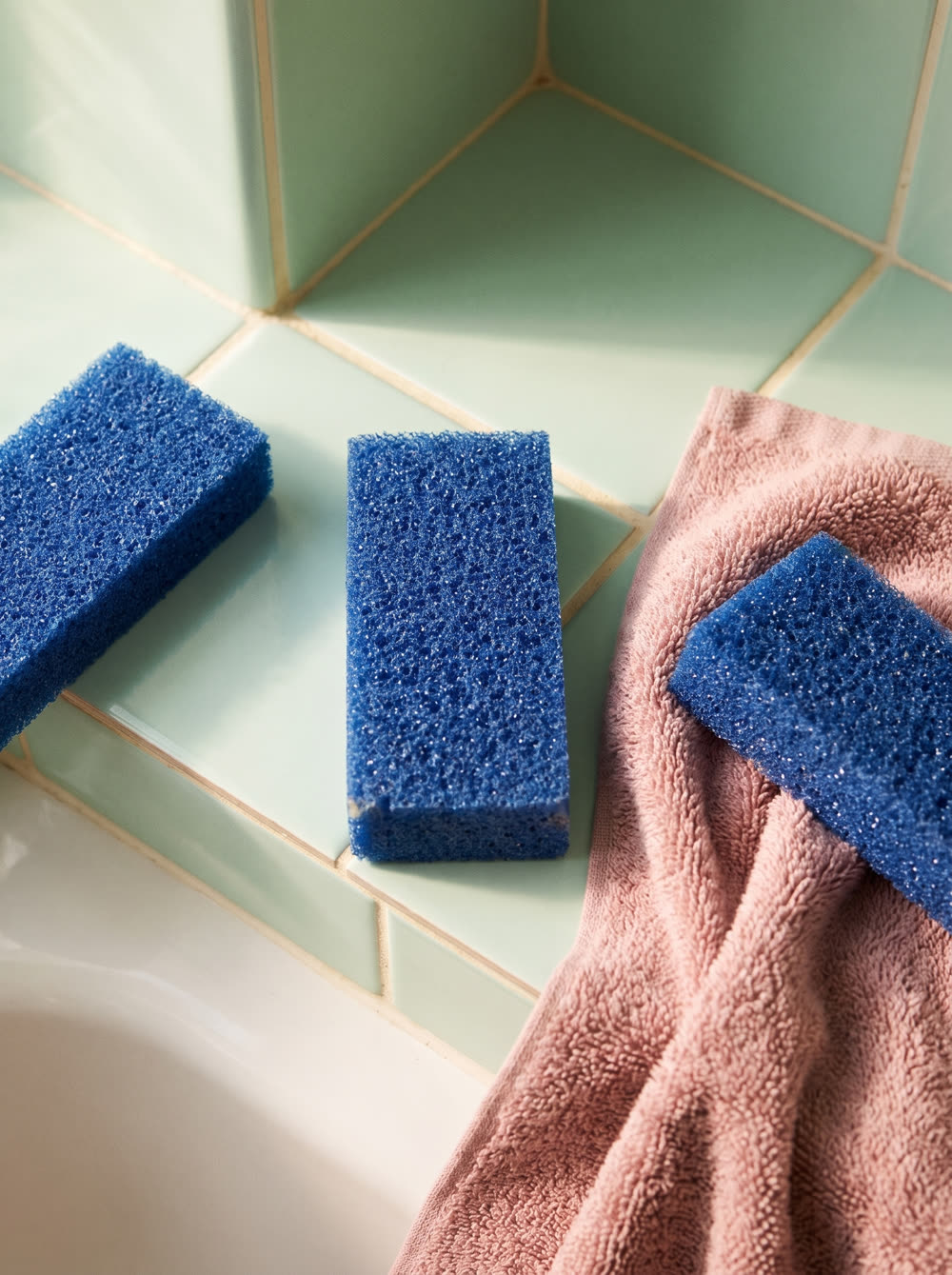
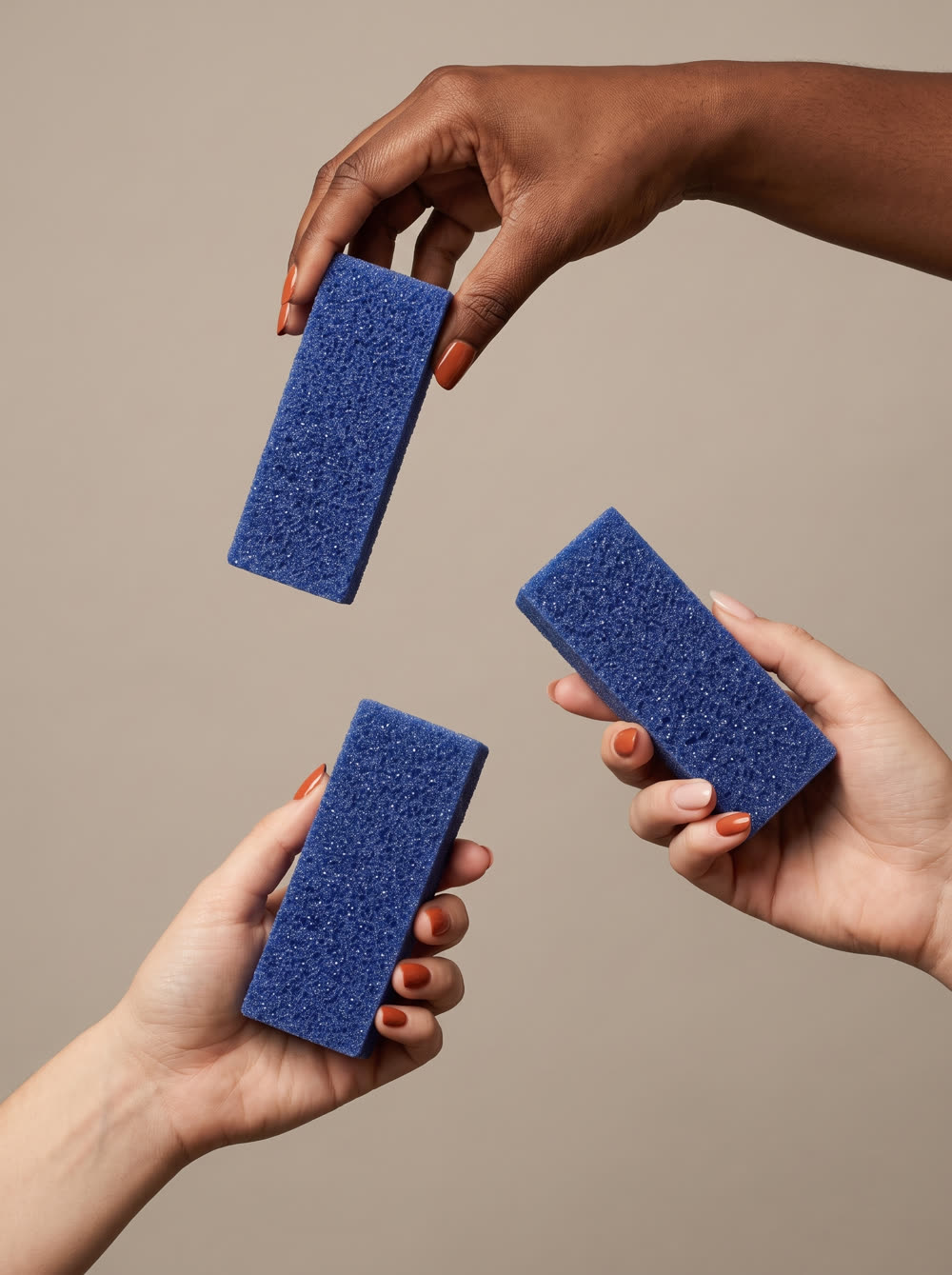
Two more templates, same one photoA styled tile flat lay and a hands-on shot, generated from the same uploaded product photo.
Can you change what is inside a template?
Yes. Every template can be adjusted with one short line, typed in plain English, before you generate. Some examples of what that one line can do:
- Change the background setting. A flat studio backdrop becomes a bathroom, a kitchen counter, or an outdoor patio.
- Change who or what is interacting with the product. One model instead of two, feet instead of hands, or the model removed entirely.
- Swap the supporting props or ingredients. A template built around chili peppers becomes one built around coconut, avocado, and bath salt.
- Change the art style. A photographic template becomes an illustrated, retro poster look.
None of this needs a written-out paragraph. Naming the one thing you want different is enough, the template supplies the rest.
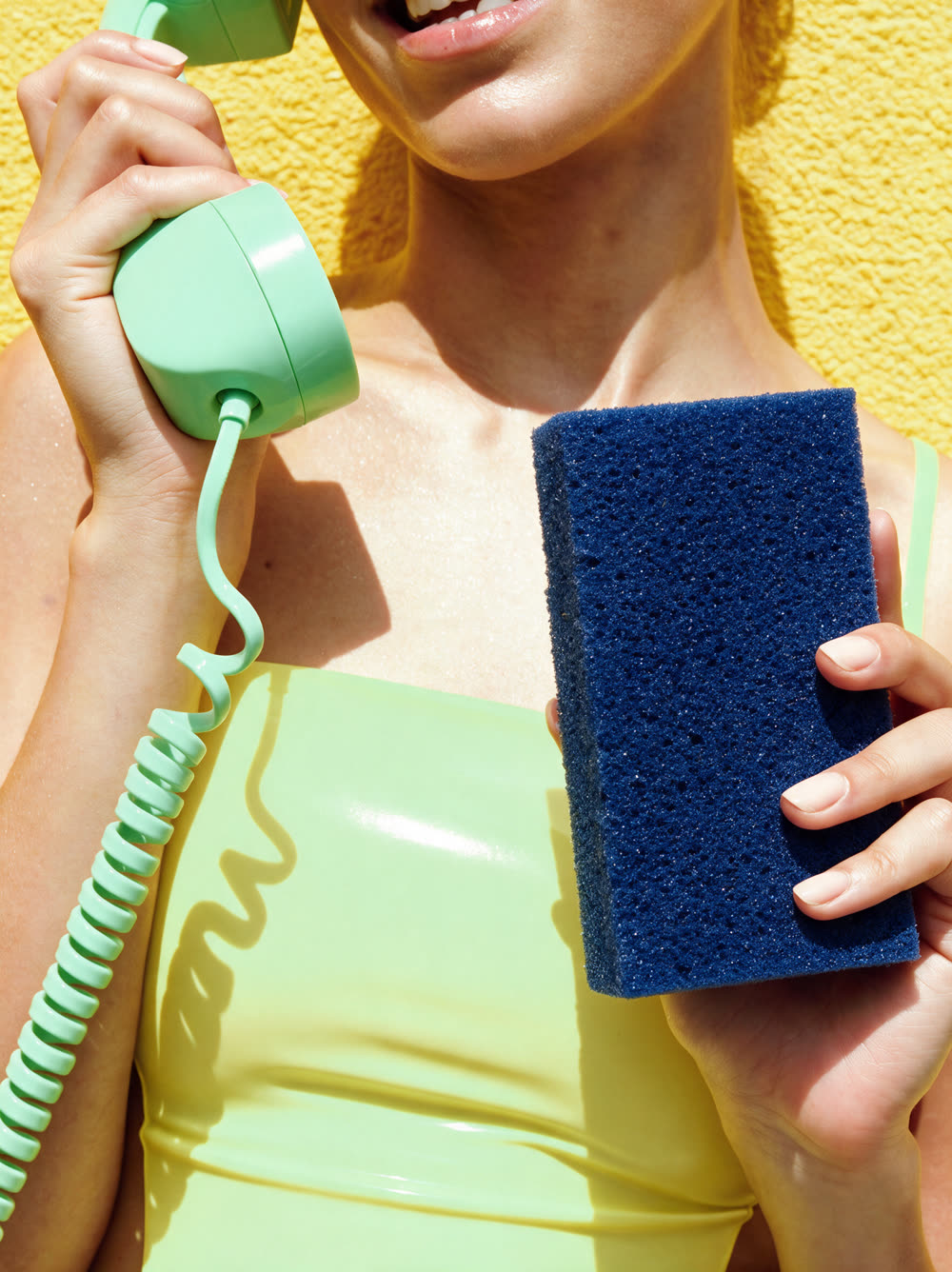
Same product, a completely different art styleOne line describing the change, applied to a template built for a different mood entirely.
How does Motion work?
The same way as Product Shot, but the output is a short video clip instead of a still, built from the same uploaded photo. I picked a template built around falling ingredients and let it place the product in the middle of the motion.
The Motion clipCoconut, jojoba, and bath salt falling around the same product photo, no video shoot involved.
What did this look like as a real build?
I ran this for a paid Higgsfield partnership, promoting a foot file using nothing but one phone photo of the product. Four Product Shot images came from four different templates, a bright bathroom scene, a styled tile flat lay, a hands-on shot, and a retro pop art scene. One Motion clip came from a template built around falling ingredients that I adjusted to surround the product with coconut, jojoba, and bath salt instead of its original contents.
One honest limit. The templates decide the scene and the mood. Which template fits your brand, and which look is actually worth publishing, is still a decision only you can make.
What is the build order?
| # | Step | What you get |
|---|---|---|
| 1 | Upload the photo once | The base every asset below is built from |
| 2 | Product Shot, bathroom template | A still with the product in a light, editorial bathroom scene |
| 3 | Product Shot, styled hold template | A still with hands interacting with the product |
| 4 | Product Shot, art style change | A still with the product restyled into a different mood entirely |
| 5 | Motion, ingredient template | A short clip with the product surrounded by moving ingredients |
What makes the difference?
- One clean, well lit phone photo of the product is enough. The template supplies the scene, the lighting, and the mood, the photo only needs to show the product clearly.
- The template sets the mood before you change a single word. Pick based on the feeling you want first, then adjust details from there.
- A one-line change goes further than a rewritten prompt. Naming the one thing you want different is enough, you do not need to describe the whole scene.
- Product Shot and Motion pull from the same uploaded photo. There is no separate video shoot once the stills exist.
- More templates beat one perfect prompt. Running the same photo through three or four templates and picking the best one is faster than perfecting a single generation.
The checklist before you publish
- The product is the only subject in your uploaded photo, no distracting background
- You picked a template based on the mood you want, not just the product category
- Any element you changed, background, hands, props, or style, is still fully visible and not blocking the product
- You ran the same photo through more than one template before picking a favorite
- Your Motion clip runs the length you actually need for the platform it is going to
Do you need to write long prompts to use Higgsfield Marketing Studio?
No. Every template works on its own once you upload your photo. A prompt is only needed if you want to change something specific, and even then one short line is enough.
What is the difference between Product Shot and Motion?
Product Shot generates still images from your uploaded photo and a template. Motion generates a short video clip the same way. Both use the same upload, so you do not need a separate shoot for either one.
Do you need professional product photography to start?
No. A clear phone photo showing the product on its own is enough for both features. The template supplies the background, lighting, and styling.