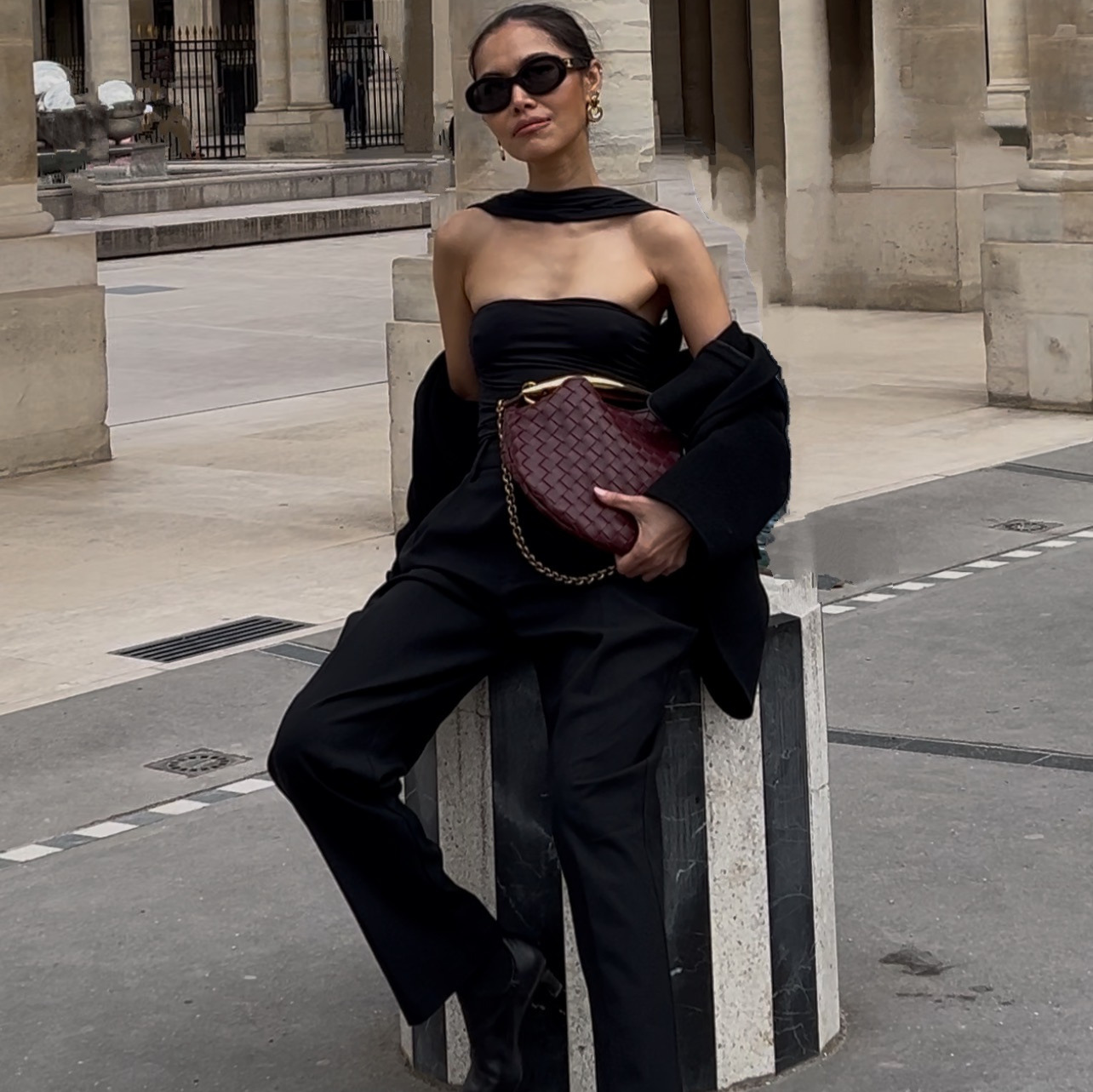
A product launch usually needs four different things to exist before anyone sees the product itself: an ad to run, an email to send, a page to land on, and a post to announce it. Normally that means a freelancer for the ad, a copywriter for the email, a designer for the landing page, and someone stitching it all together so it looks like one launch instead of four separate jobs.
That is the part this replaces. Not the product photography, not the strategy behind the launch, just the gap between having one product photo and having the four assets that photo is supposed to become.
Below is the version where all four get built in the same conversation, from the same photo, talking to Claude in plain English the whole way through.
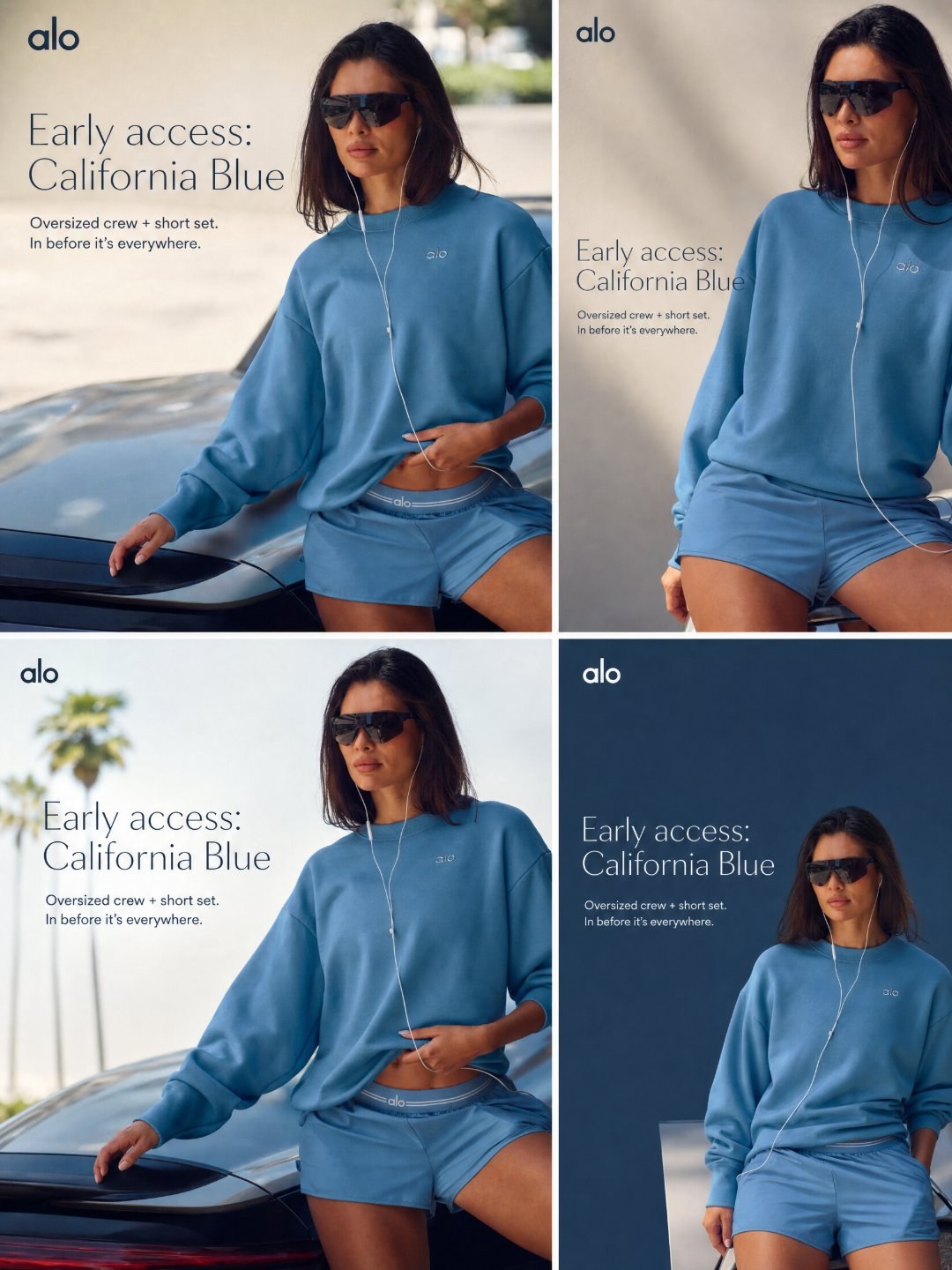
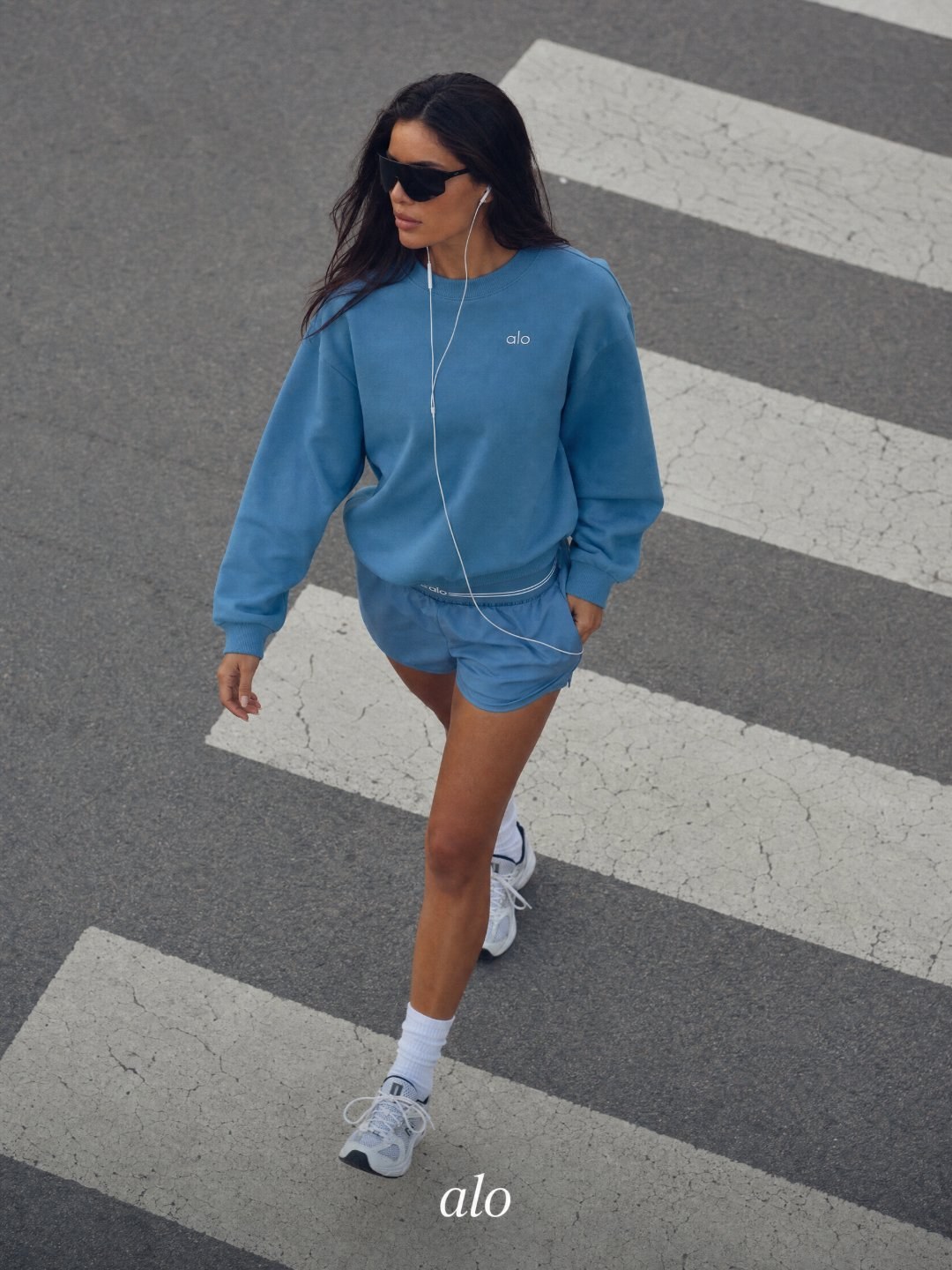
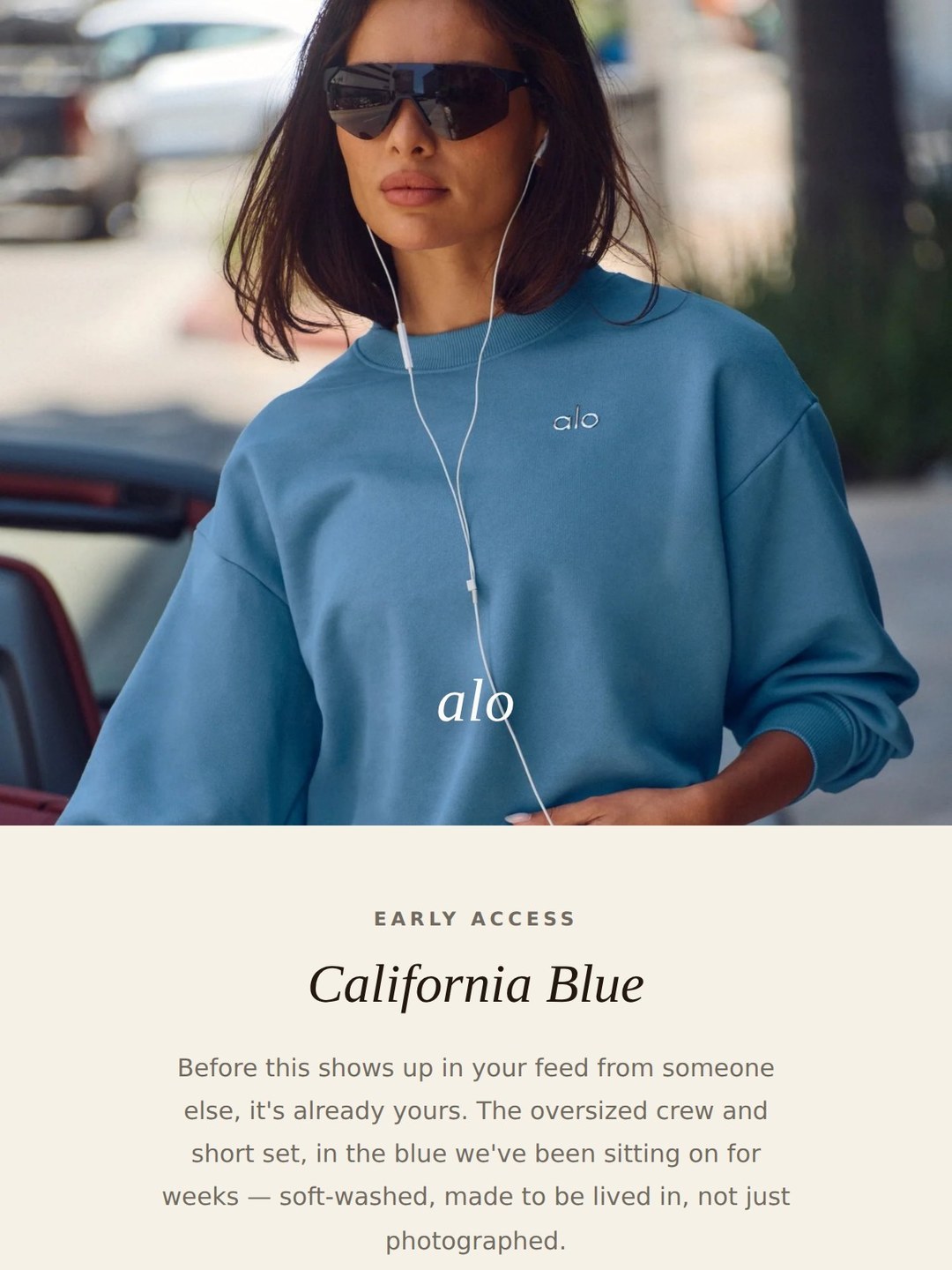
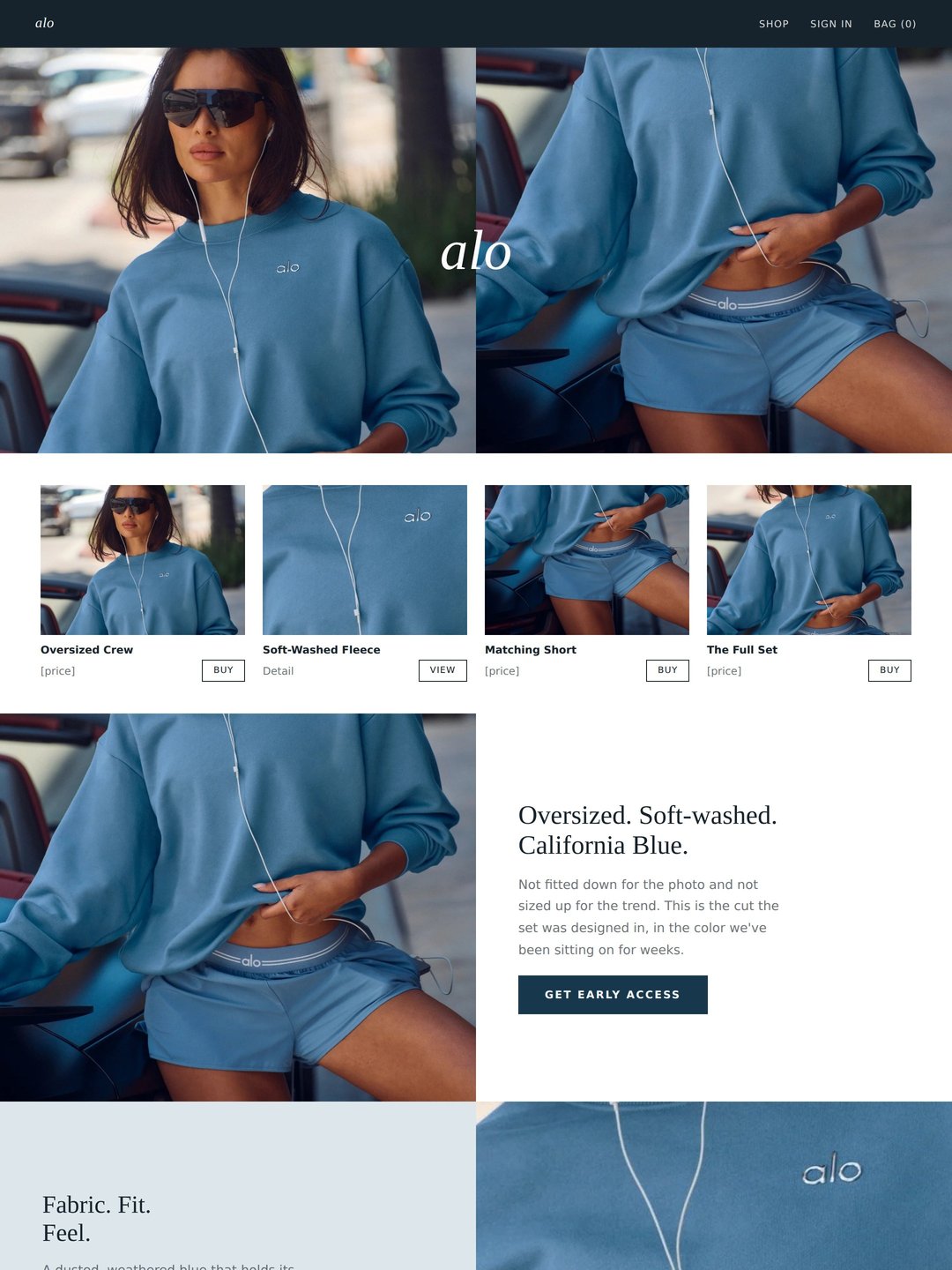
The four assets, from one photoAd, Instagram post, launch email and landing page, all built in the same conversation.
What do you need before you start?
Two things.
- One product photo. A clean shot of the product is enough, it does not need to be a professional shoot.
- Your launch details. The brand, the product, why now (early access, a limited drop, a restock), and how the brand sounds in three to five words.
The whole thing on one page
Four steps, one optional. Each is a single message to Claude.
| Step | What you do | How long |
|---|---|---|
| One | Give Claude the brief and get the copy | 2 minutes |
| Two | Build the ad and the Instagram post | 3 minutes |
| Three | Build the email and the landing page | 4 minutes |
| Four | Rebuild around a reference, if needed | a few minutes |
Step oneGive Claude the brief
Everything downstream comes from this message, so the specifics matter more than the polish. Copy comes before any image gets generated, so a wrong claim gets caught while it is still one sentence, not four finished assets.
Step twoBuild the ad and the Instagram post
Once the copy is approved, the same photo becomes the ad set and the announcement post. No separate photoshoot for either one.
Step threeBuild the email and the landing page
These get designed as finished pages, not just written as copy, using the same photo as the hero image both times.
OptionalRebuild the design around a reference you already likeOptional
If the first pass does not look right, point Claude at the structure of a design that does, not the copy.
What did this look like as a real build?
I ran this on Alo Yoga's California Blue collection, an oversized crew and short set, using one of Alo's own published product photos as the input. The brief was the photo, the collection name, and a 48-hour early-access launch angle.
The first pass produced campaign copy for all four assets, then an ad set and an Instagram post generated straight from the photo. The email and landing page came back designed but flat, so a second pass rebuilt both around two saved reference images, keeping the same photo, copy and brand details and changing only the structure.
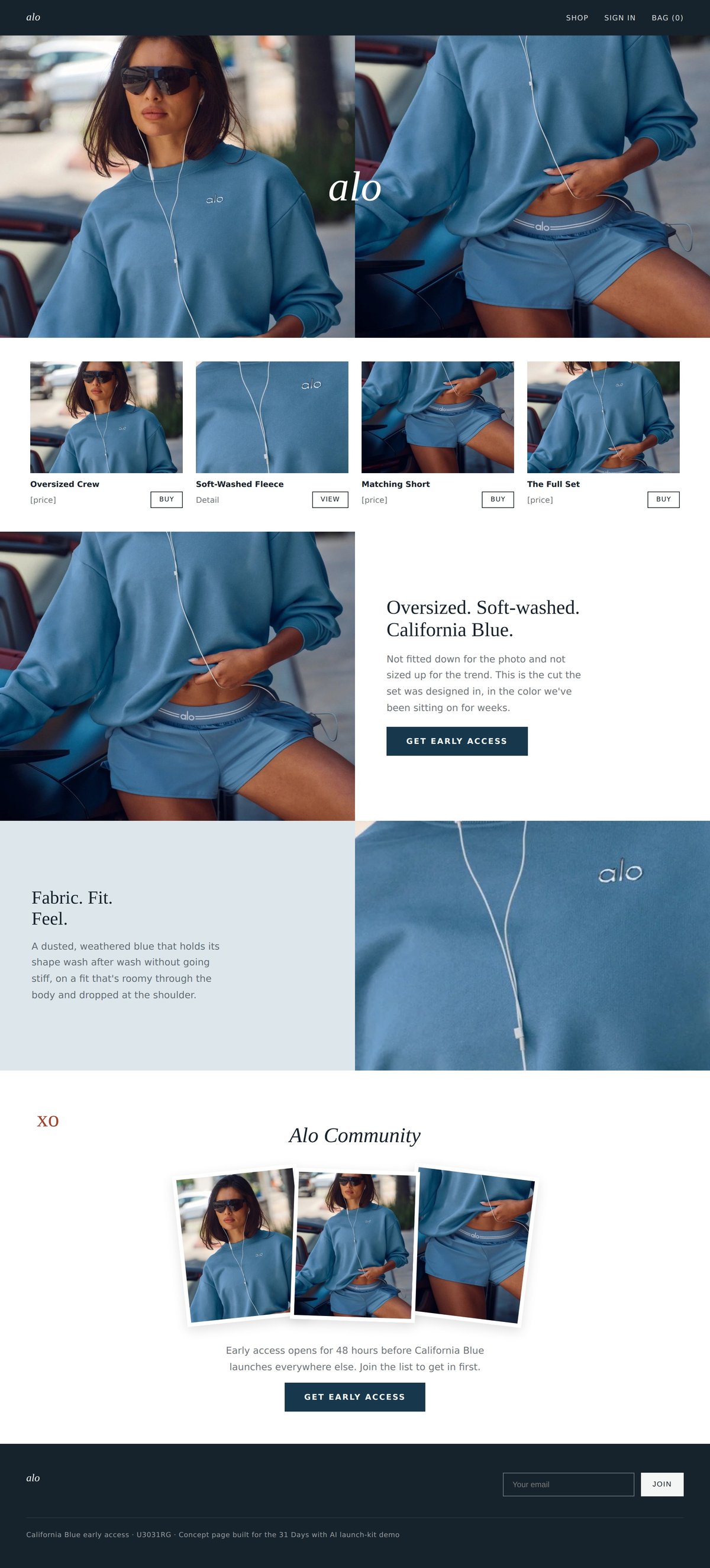
The landing page, after the reference rebuildSame product photo and copy, restructured around a layout Alo's team had not touched.
The build shown here uses Alo Yoga's own published product photography as a worked example. Alo Yoga is not a client and this was not commissioned by or shown to the brand. The launch angle, the early-access window and the collection details are used as published; no price, stat or review was invented for any of the four assets. Swap in your own brand, product and photo and the same prompts build your kit instead.
What is the prompt chain?
In order, so the whole kit can run without stopping to think about what comes next.
| # | Prompt | What you get |
|---|---|---|
| 1 | The brief | Campaign copy for all four assets |
| 2 | The ad and the post | An ad creative and an Instagram announcement post |
| 3 | The email and the page | A designed launch email and landing page |
| 4 | The reference rebuild, optional | The email and page, restructured around a design you like |
What makes the difference?
- Copy gets approved before anything is generated. A wrong claim caught at the copy stage is one sentence to fix. Caught after four assets exist, it is four fixes.
- One photo covers more than it looks like it should. The same image becomes the ad, the email hero and the landing page hero, with no separate shoot for any of them.
- A reference image hands over structure, not copy. Point Claude at the layout you like and keep your own words, colors and product.
- Every number ships as a bracket until it is real. No price, discount or review gets invented to fill a gap in the brief.
What does this replace?
A launch kit built this way used to mean briefing a freelancer for the ad, a copywriter for the email, and a designer for the landing page, then waiting on all three to come back before the launch could go out looking like one thing instead of three. That coordination gap, not the creative judgment behind it, is what this replaces.
One honest limit. The kit gets the launch ready to go out, it does not decide whether the launch is worth going out. The offer, the price and the timing still have to be real, and still have to be decided by a person who knows the brand.
The checklist before you publish
- Real product photo, not a placeholder or a stock image
- Every price, stat and review quote is real, or still shows as a bracket you haven't filled in
- The brand name and any claims were confirmed before the copy step was approved
- The email and landing page were previewed in both light and dark mode before sending
- Each asset is sized for where it's going, checked against the platform before you publish
- One other person has read the copy before it ships
What actually counts as a launch kit for a product drop?
Four things: the ad, the email, the landing page, and the announcement post. Everything else, a teaser, a countdown, a second ad variant, is a version of one of those four.
Do you need professional product photography to start?
No. One clear photo of the product is enough to build all four assets. Model shots and lifestyle photography can come later, once the launch is live and there is budget for a real shoot.
What if you don't have a launch date, offer or price yet?
Leave it as a bracket in the prompt and fill in the real number once you have it. Every prompt in this guide is written to take a placeholder instead of an invented figure, and nothing should ship with a guessed price or a fake discount.