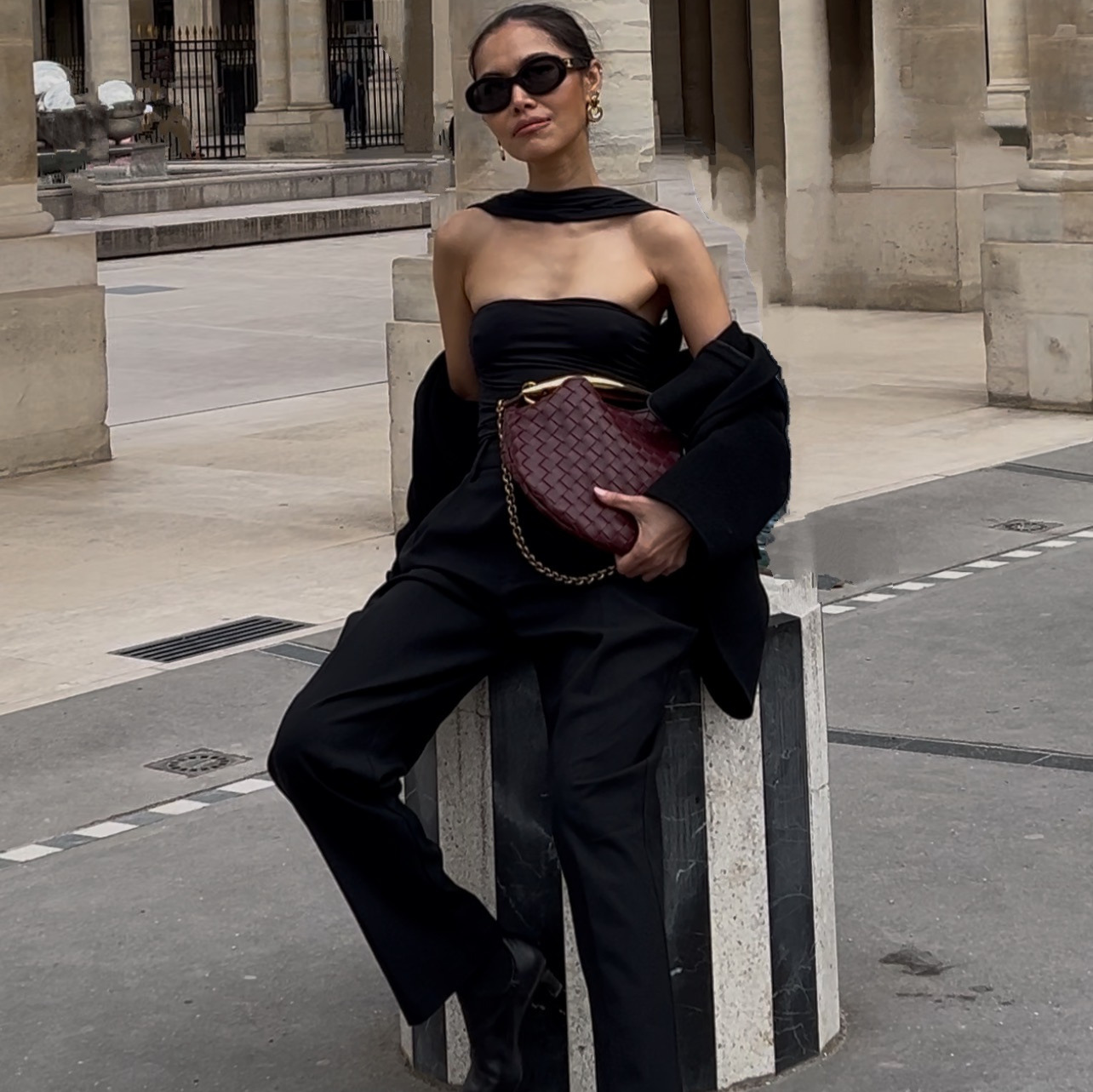
One photo of your product, a link to its product page, and one line about who buys it. Claude writes the script from your own page and builds a full shot list you approve before anything renders, then sends the approved list to Higgsfield, which generates the finished eight-second video with a real voice on it.
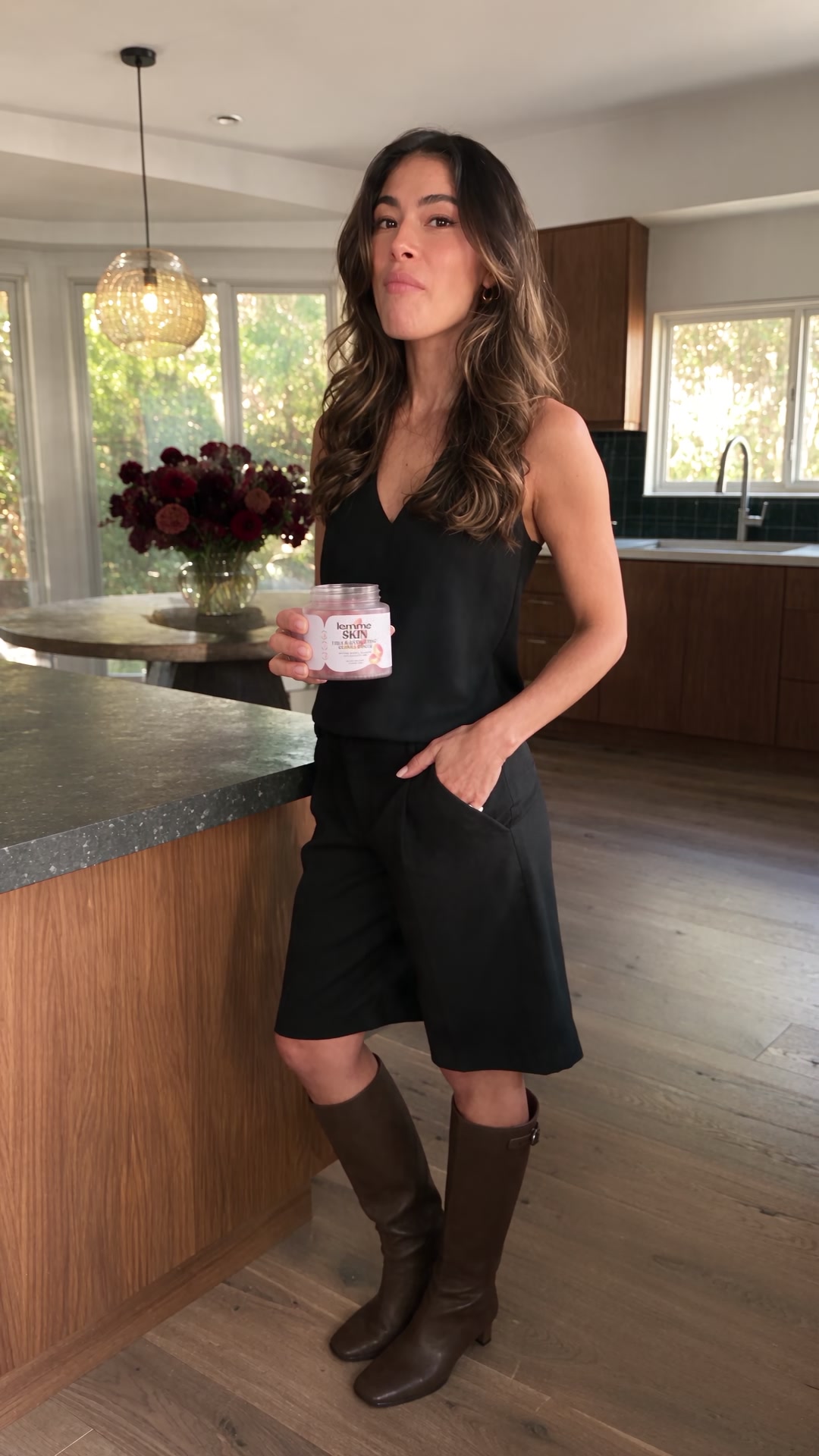
The creator and the kitchenLocked before anything moved. Every later shot builds from this.
The whole thing on one page
| Step | What you do | How long |
|---|---|---|
| 1 | Attach your product photo, paste the product link, add one line on who buys it | 2 min |
| 2 | Claude writes the script from the product page | 1 min |
| 3 | Describe your creator and the setting, Claude builds the full shot list | 5 min |
| 4 | Review the shot list, ask for any fix in plain English | 5 min |
| 5 | Claude checks hands, arms, and the final frame before rendering | 1 min |
| 6 | Approve, Claude sends it to Higgsfield, which renders the finished video with sound | 10 min of waiting |
What you need before you start
- One clean photo of your product. A single shot is enough. This is what stays untouched through every later round.
- Your product's page link. Claude reads the real ingredients, specs, or claims on the page and writes the script from those, not from a guess.
- One line on who buys it. Not full ad copy, just who the creator is talking to.
- Claude, with the Higgsfield connector turned on. That's the whole software stack. Claude writes the script and the shot list, then runs the actual image and video generation in Higgsfield behind the scenes. You won't open a separate video tool.
Optional: a reference photo of the room or setting you want, if you want a specific look rather than a generic one.
How do you get the script written for you?
Attach your product photo, paste the product page, and tell Claude who buys it. Ask for the line before anything else happens.
The claim has to come from the actual page. A script pulled from your product's own listing survives a compliance read. A script that sounds good but is invented does not.
How do you cast a consistent creator and set the scene?
If you already have an AI model trained, name her. If not, describe her once in plain English: a general look, an age range, an energy. Do the same for the room. If you don't know how to create an AI model, watch this.
How do you review the shot list before anything renders?
Claude hands back every beat of the video as a single sheet, laid out shot by shot, before it spends a single render on any of them. Read it the way you would read a storyboard.
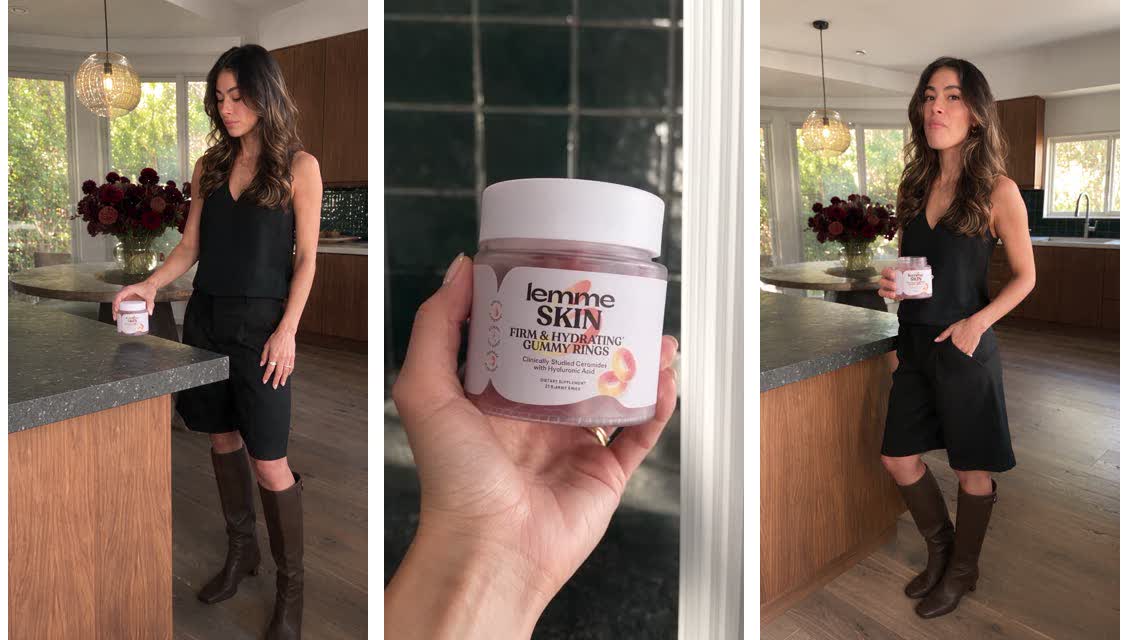
The full shot listEvery beat of the eight-second ad, approved before any of it became a video.
Approving a shot list costs you a minute of reading. Approving a finished video you have not actually checked costs you a full render, every time it turns out wrong.
How do you fix an outfit or a setting without touching the product?
Describe the actual fix and point at the exact beat. If you want a specific piece of clothing, give Claude a real link to it rather than a vague description, and say plainly that the product itself does not change.
A real link locks the actual drape and fit. Claude can match a specific garment's cut from the retailer's own photos far better than it can guess at a description like "something flowier."
How do you make sure she looks like a real person?
Before anything renders as video, ask for one more pass that checks the whole shot list for hands, arms, and faces, not just the fix you asked for.
A body that reads fine in a still shot list can still slip once it moves. Check the actual finished clip's hands and final frame too, not just the plan, before you call it approved.
How do you get the finished video?
Once the shot list is approved, ask for the render, with her voice on it. Claude sends the approved shot list to Higgsfield, the tool that actually generates the video. Claude never renders it itself.
The finished adOne product photo, one product link, eight seconds, sound on.
The prompt chain, in order
| # | Prompt | What you get |
|---|---|---|
| 1 | The script | One line, pulled from your own product page |
| 2 | The creator, setting, and shot list | A full shot-by-shot plan, nothing rendered |
| 3 | The fix round | Outfit or setting changes, product left untouched |
| 4 | The anatomy check | A confirmed, real-looking shot list |
| 5 | The finished video | An eight-second clip, with sound |
Five things that make the difference
Paste the real product page, not just a photo. The script comes from the actual claim printed on it, not an invented one.
Approve the shot list before the video renders. A shot list costs you a minute to read. A video costs a full render.
Fix an outfit with a real link, never a vague description. Claude locks the exact drape and fit from the retailer's own photos.
Say what must never change. Naming the product's real packaging as untouchable, every round, is what stops a later fix from quietly reprinting the label.
Check the finished clip itself, not just the plan. A hand that reads fine in a still can still slip once it moves, so watch the actual render before you approve it.
The checklist
- I have one clean photo of my product
- I have the product page link
- I wrote one line on who buys this
- I read the full shot list before anything rendered
- Any outfit or setting fix I asked for came with a real link, not a vague note
- I told Claude the product's real packaging can never change
- I checked the finished clip's hands, arms, and final frame before approving it
Do I need to already have an AI model trained?
No. Describe her once in plain English, a general look, an age range, an energy, and Claude keeps her consistent for the rest of the build. If you already have one trained, just name her instead.
Can I change the outfit without touching the product?
Yes. Give Claude a real link to the piece you want and say plainly that the product's packaging is not to be touched. The two are handled completely separately.
What if the finished video shows a distorted hand or an extra limb?
Point at the exact frame and describe the fix, then ask Claude to check the whole shot list for the same issue before it renders again. Catching it at the shot-list stage costs nothing. Catching it after the video renders costs another render.
Where does the script actually come from?
From your own product page. Claude reads the real ingredients or specs and claims and writes the line the creator says on camera, so nothing is invented.
How long can the ad be?
A single shot list covers up to about fifteen seconds. A longer ad needs more than one shot list stitched together.