Two campaigns. Every placement.
Each campaign starts with its generated images. Then the same images are resized for each placement, and the copy goes on top.
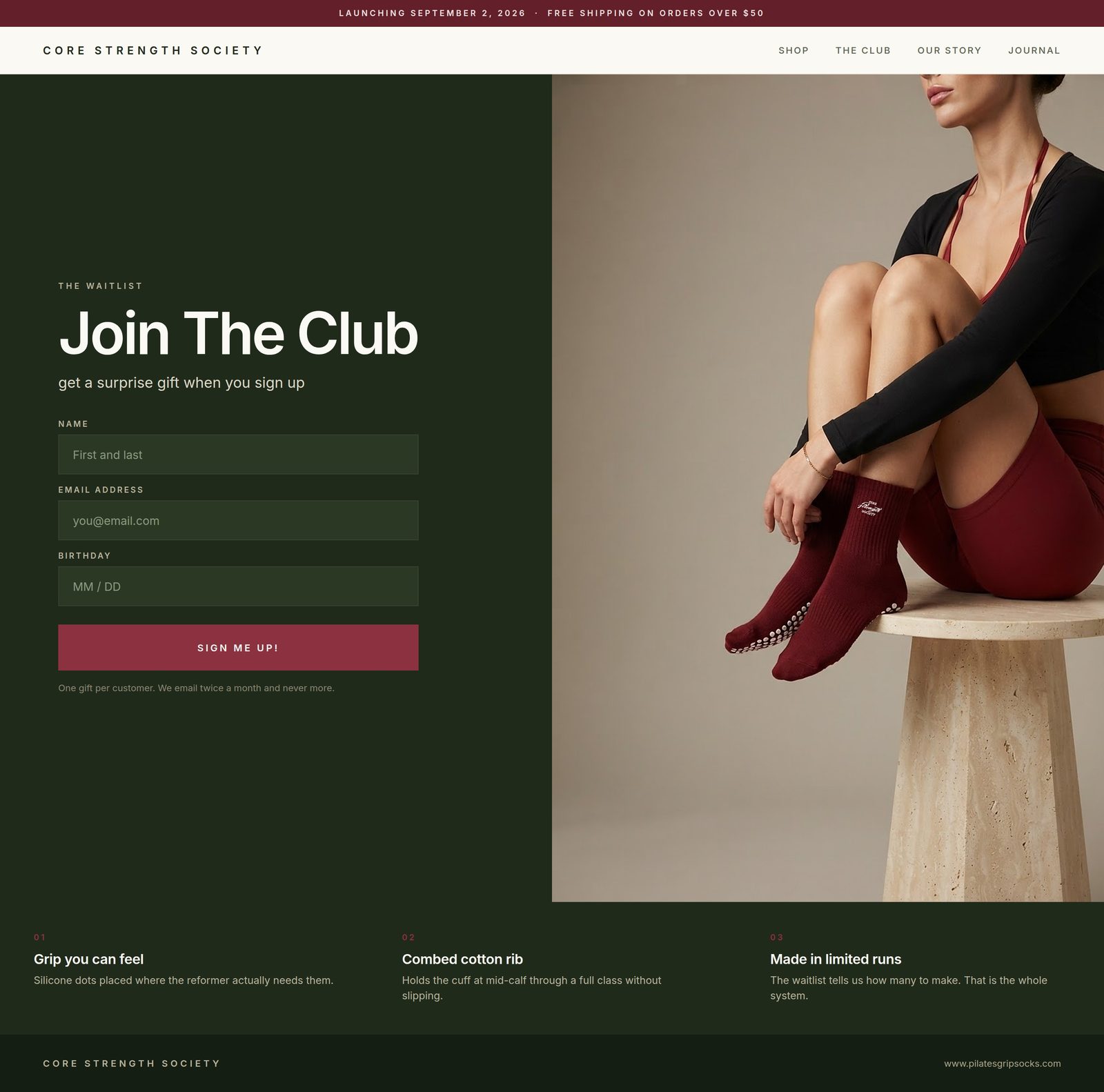
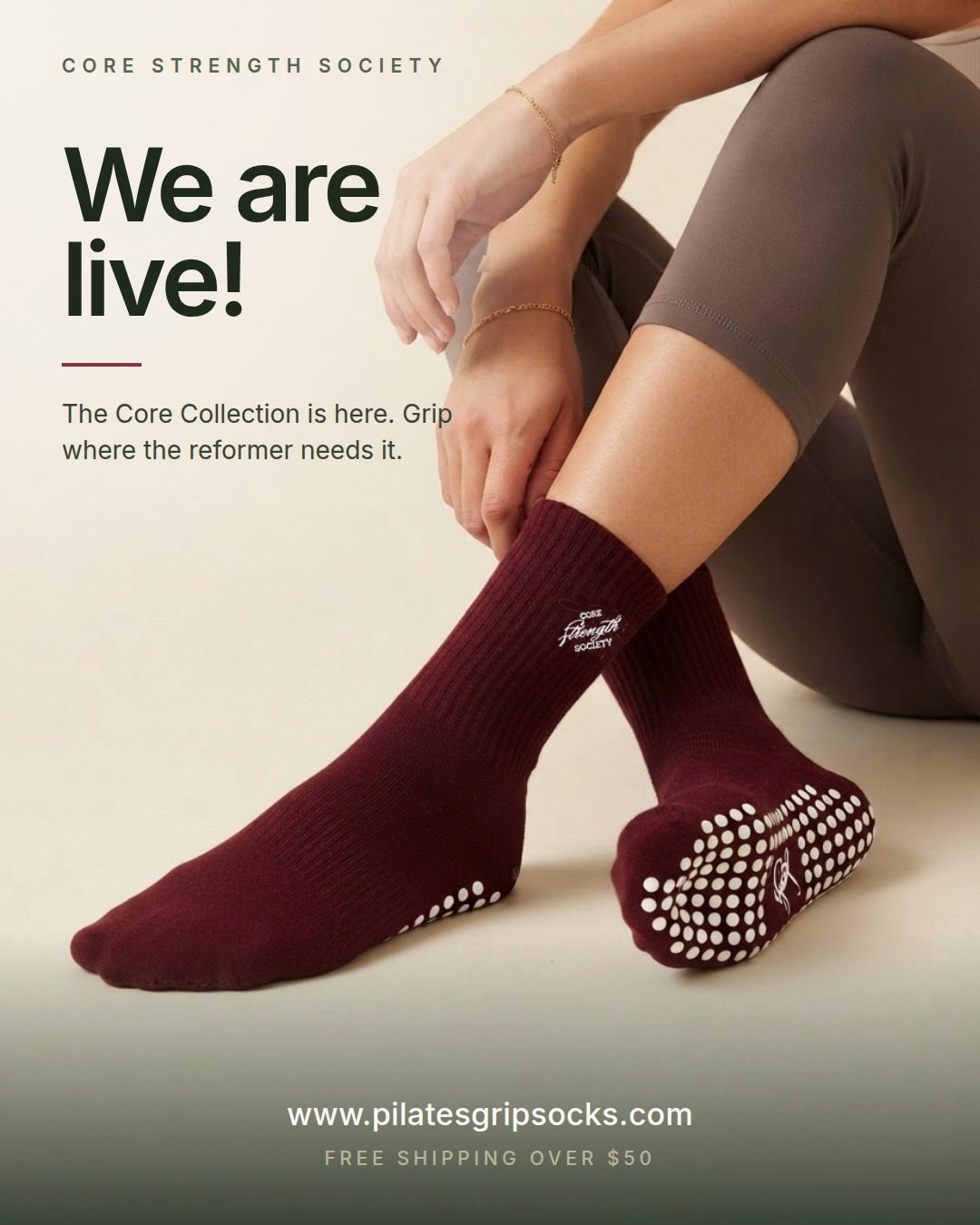
Pilates grip socks launch
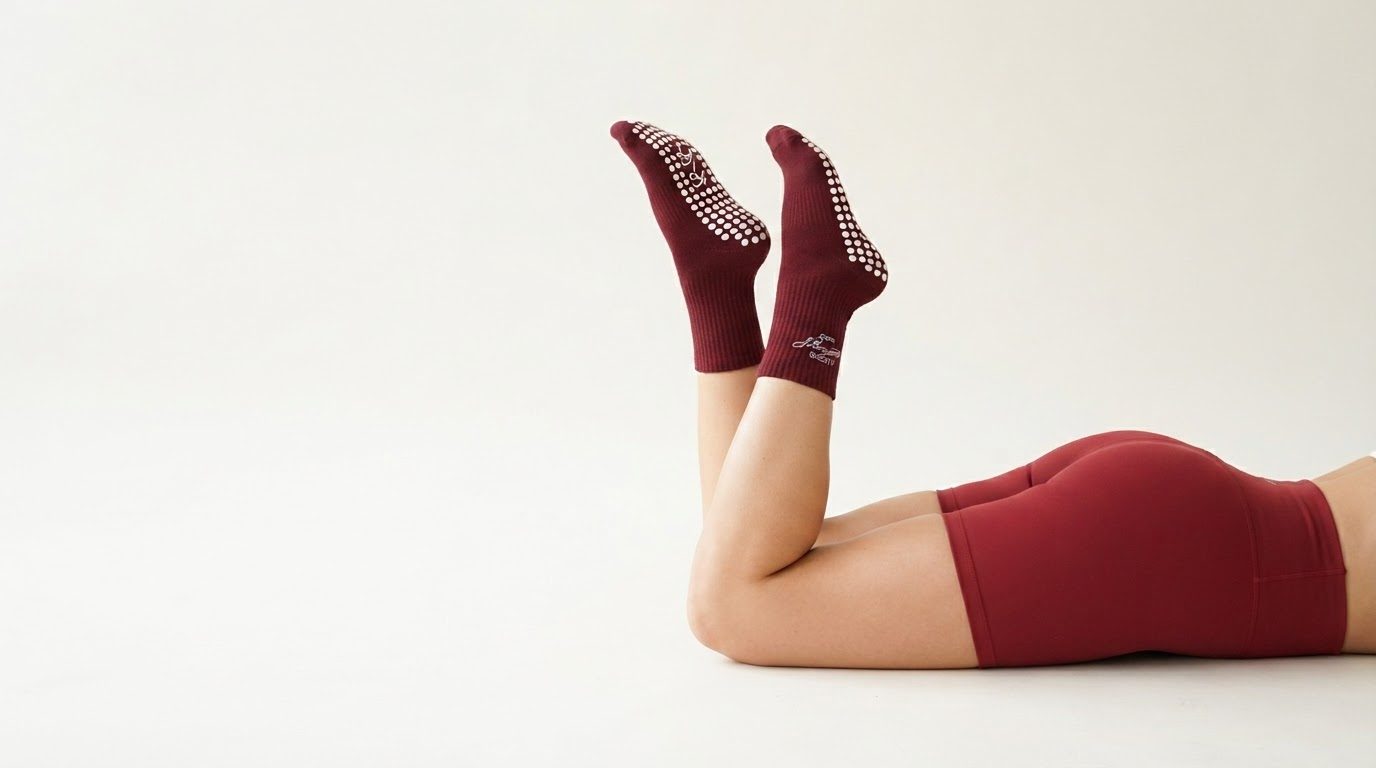
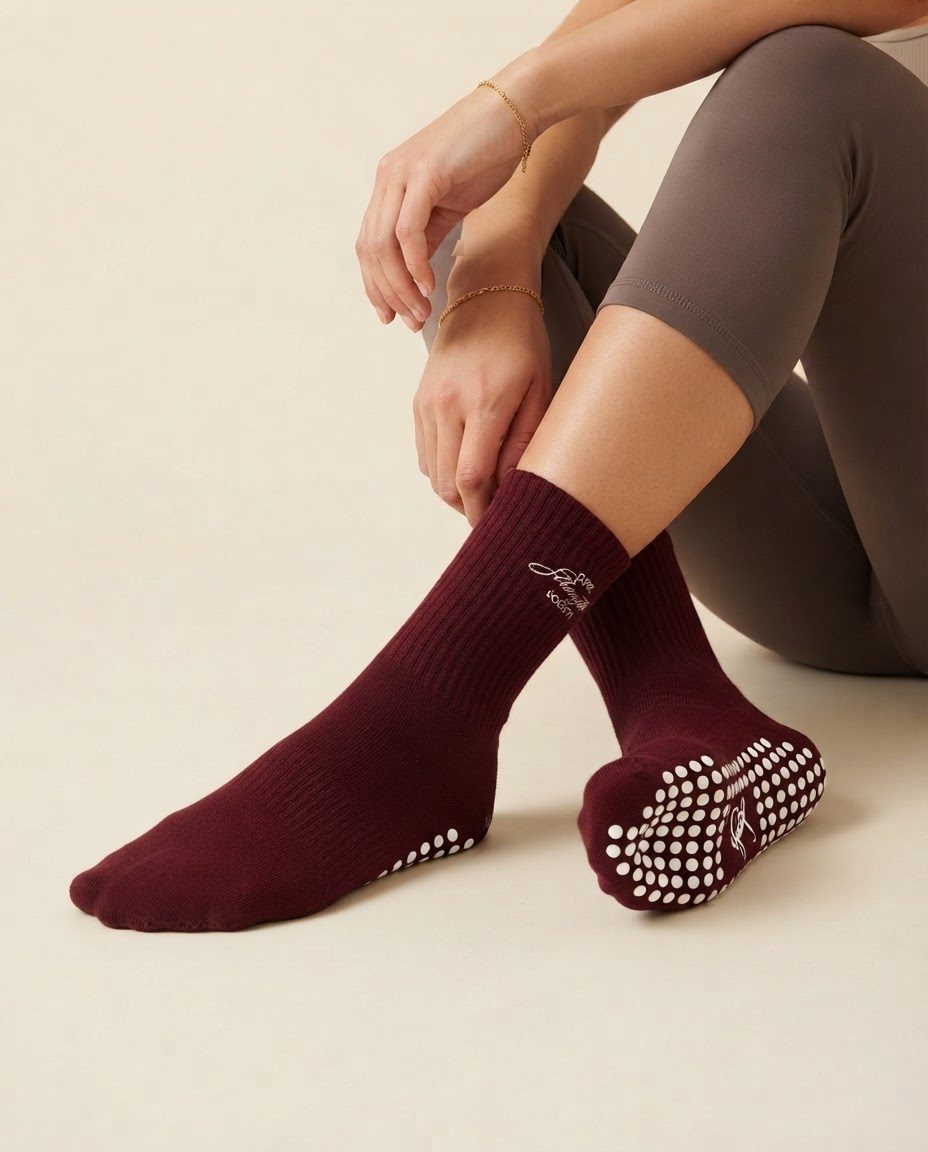
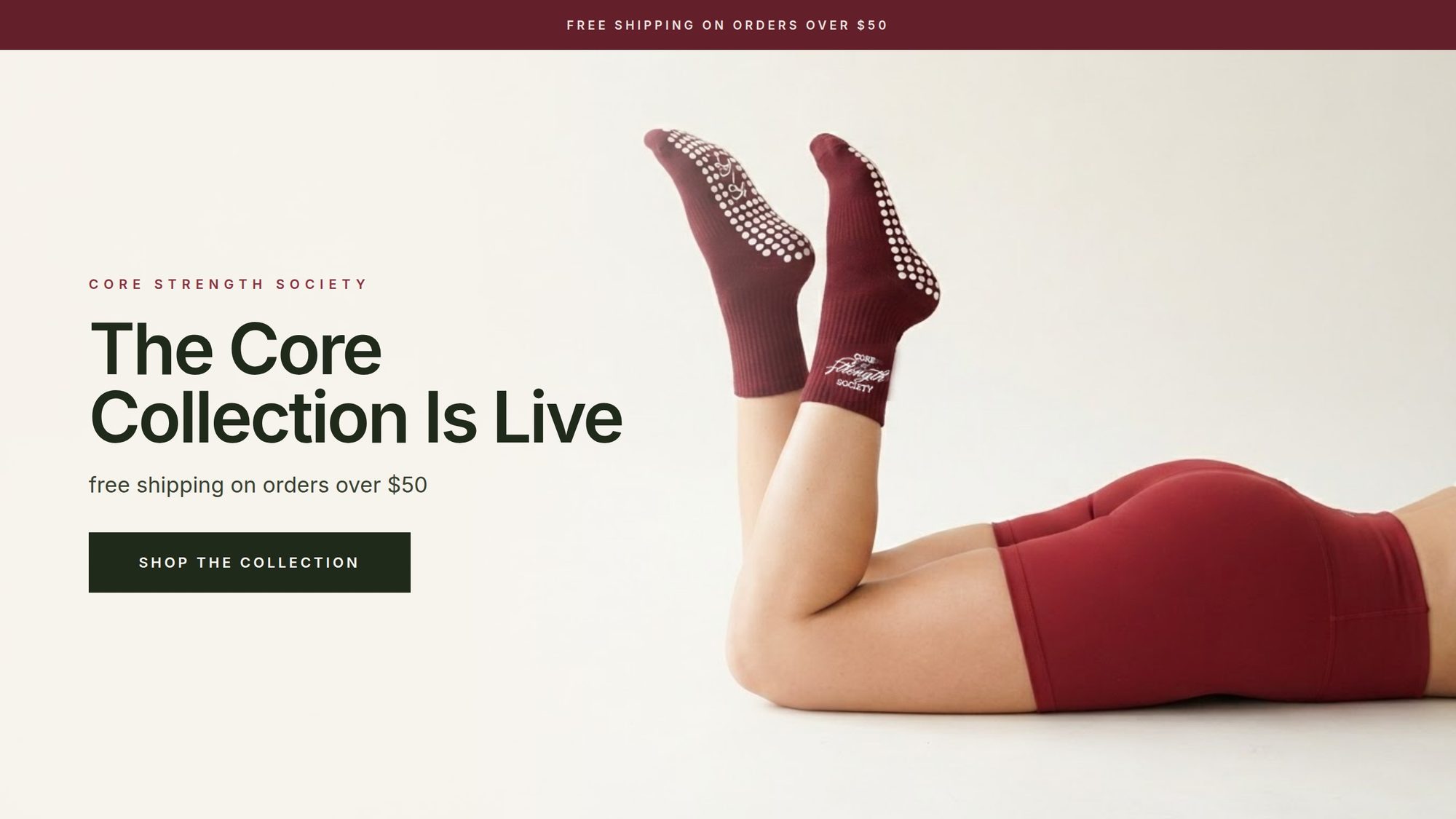
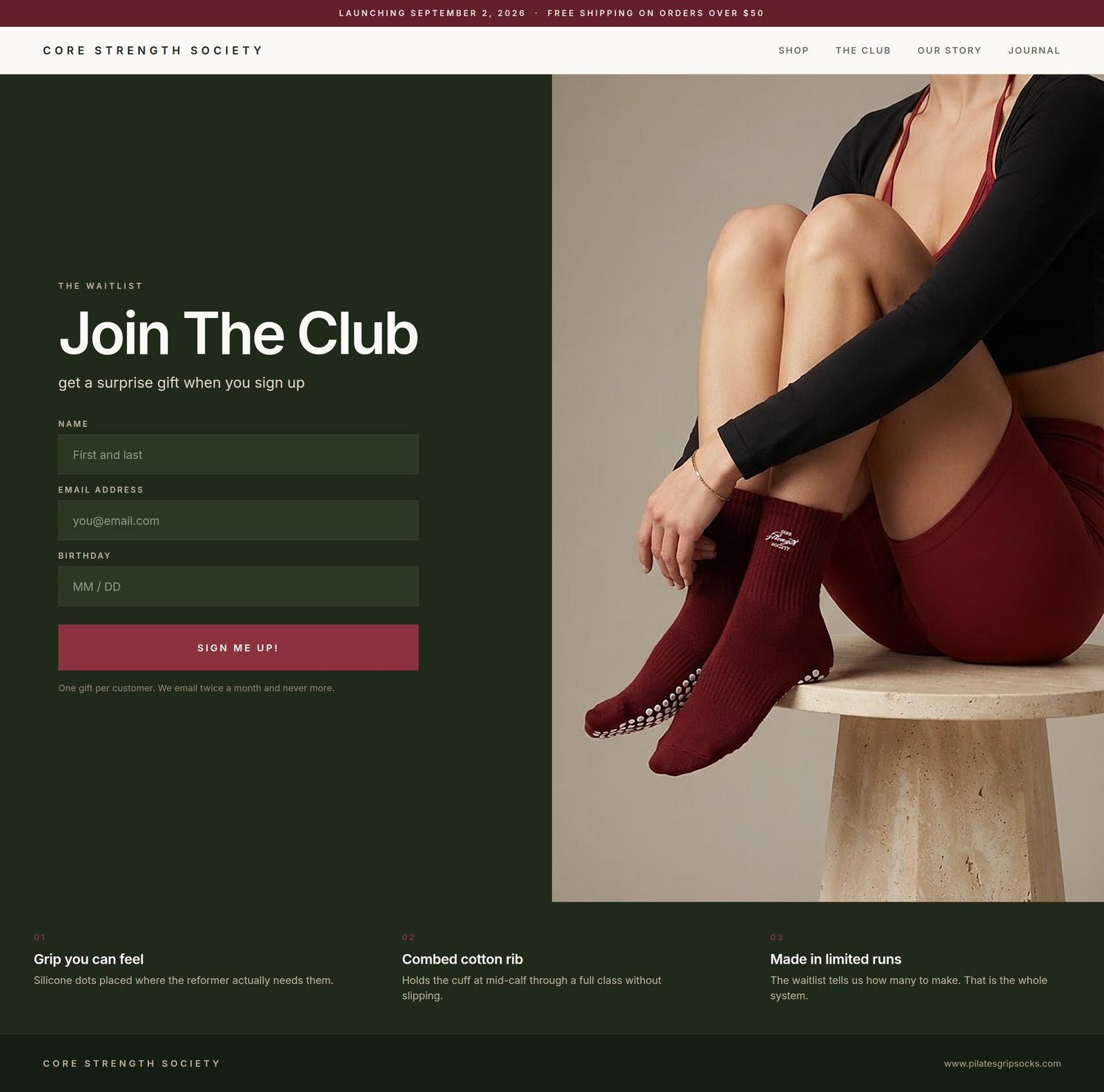
Two generated images, four placements. The copy was added after the images, so every word is exact.
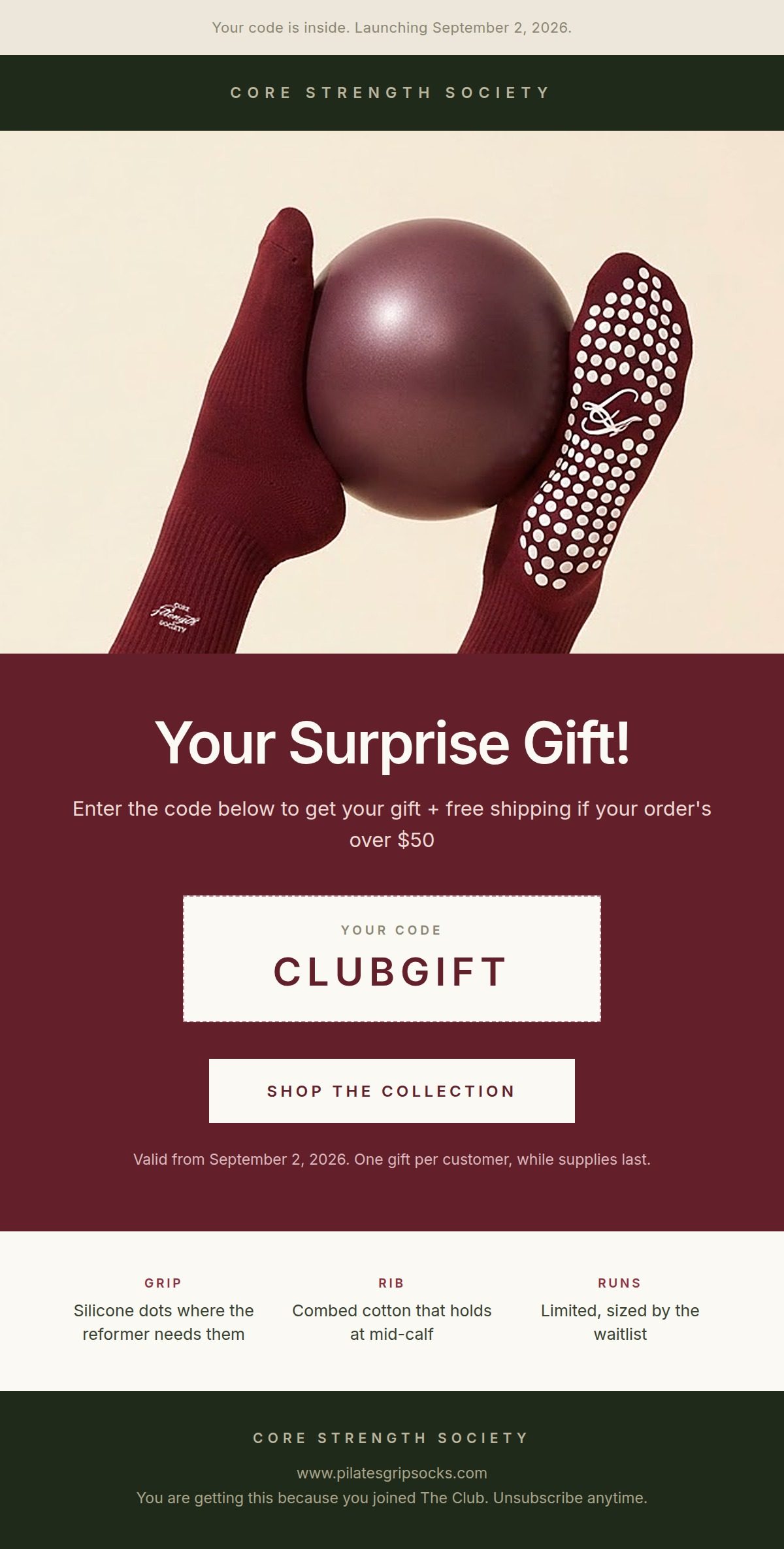
Post-purchase email
Two generated images, one email. The offer and the order details were built in the email, not in the images.
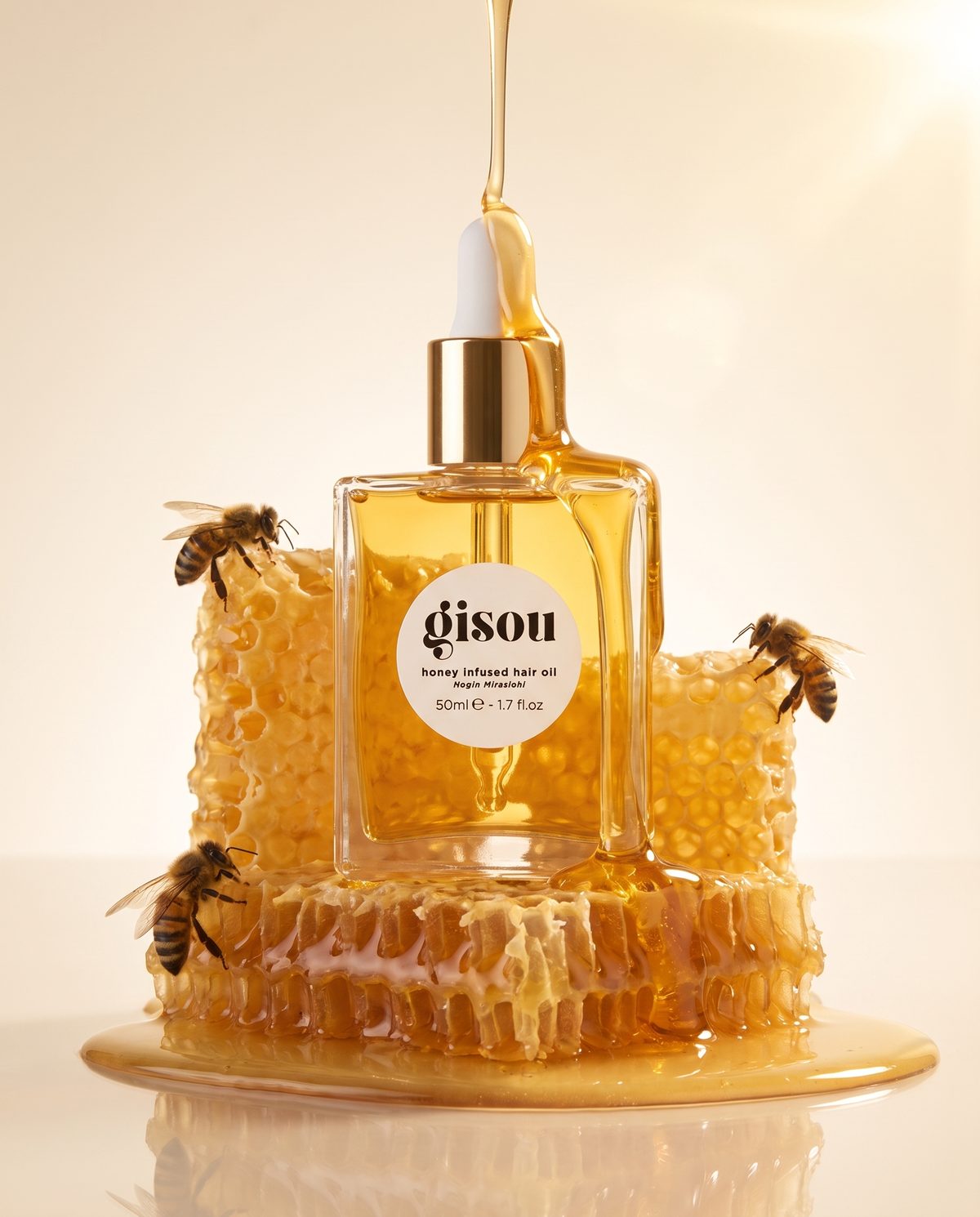
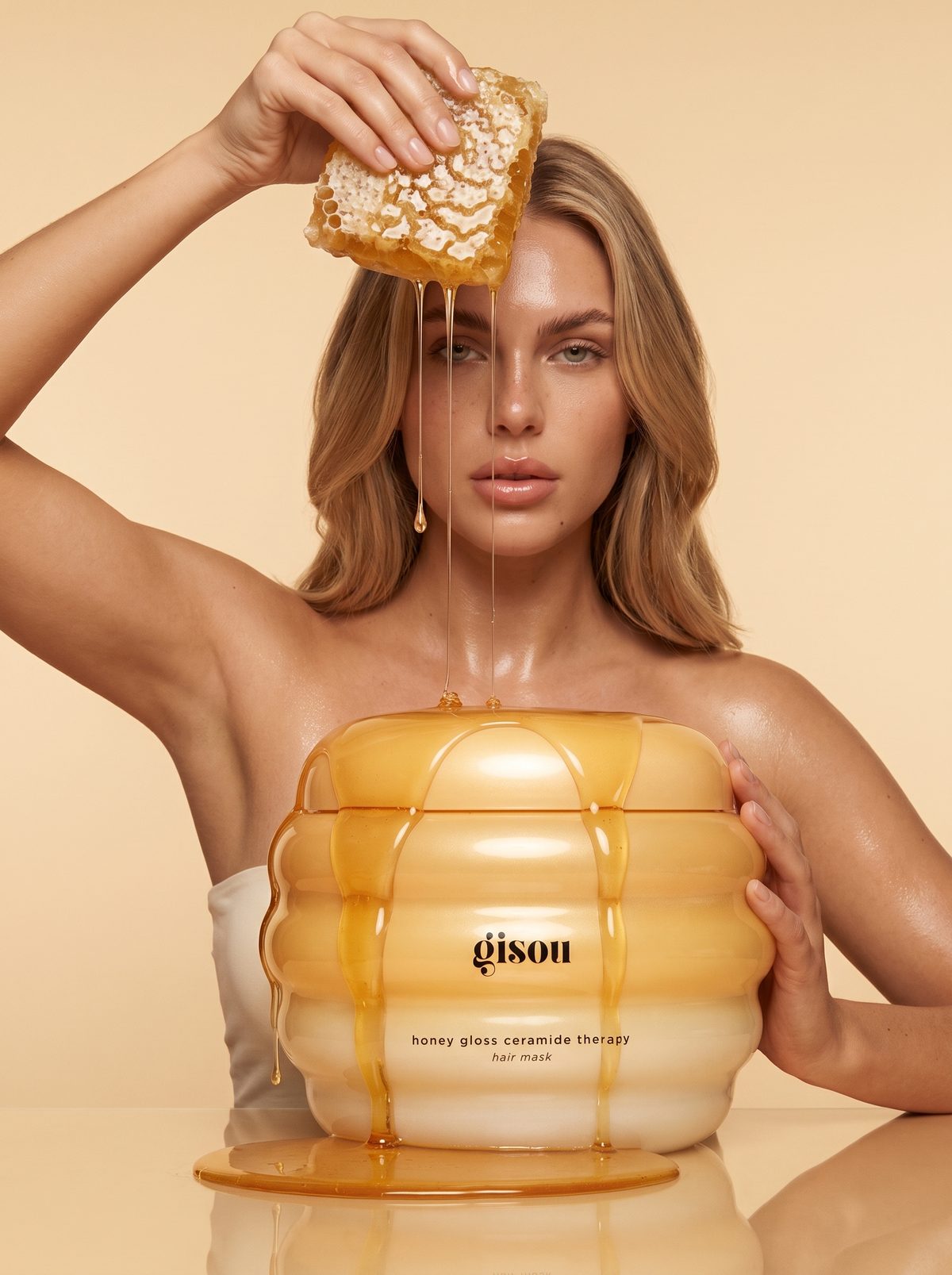
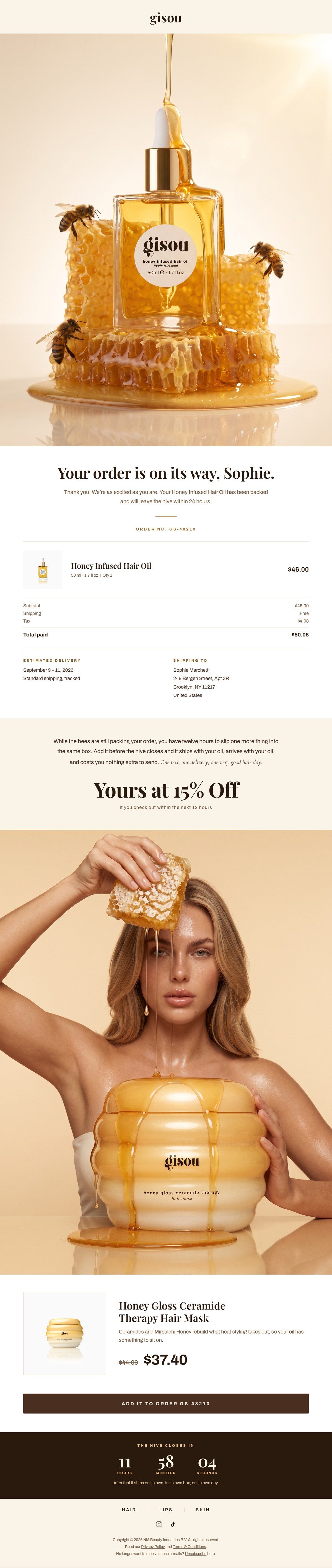
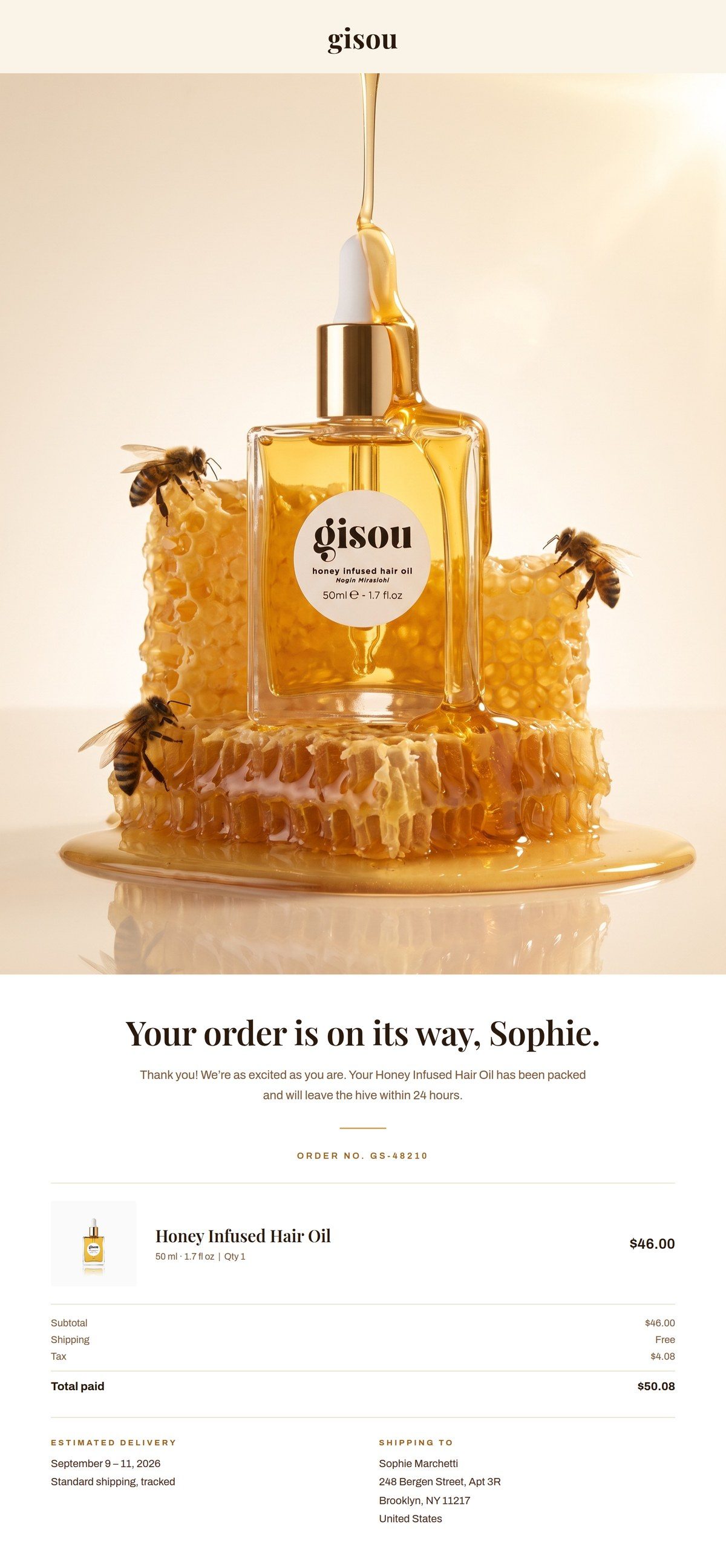
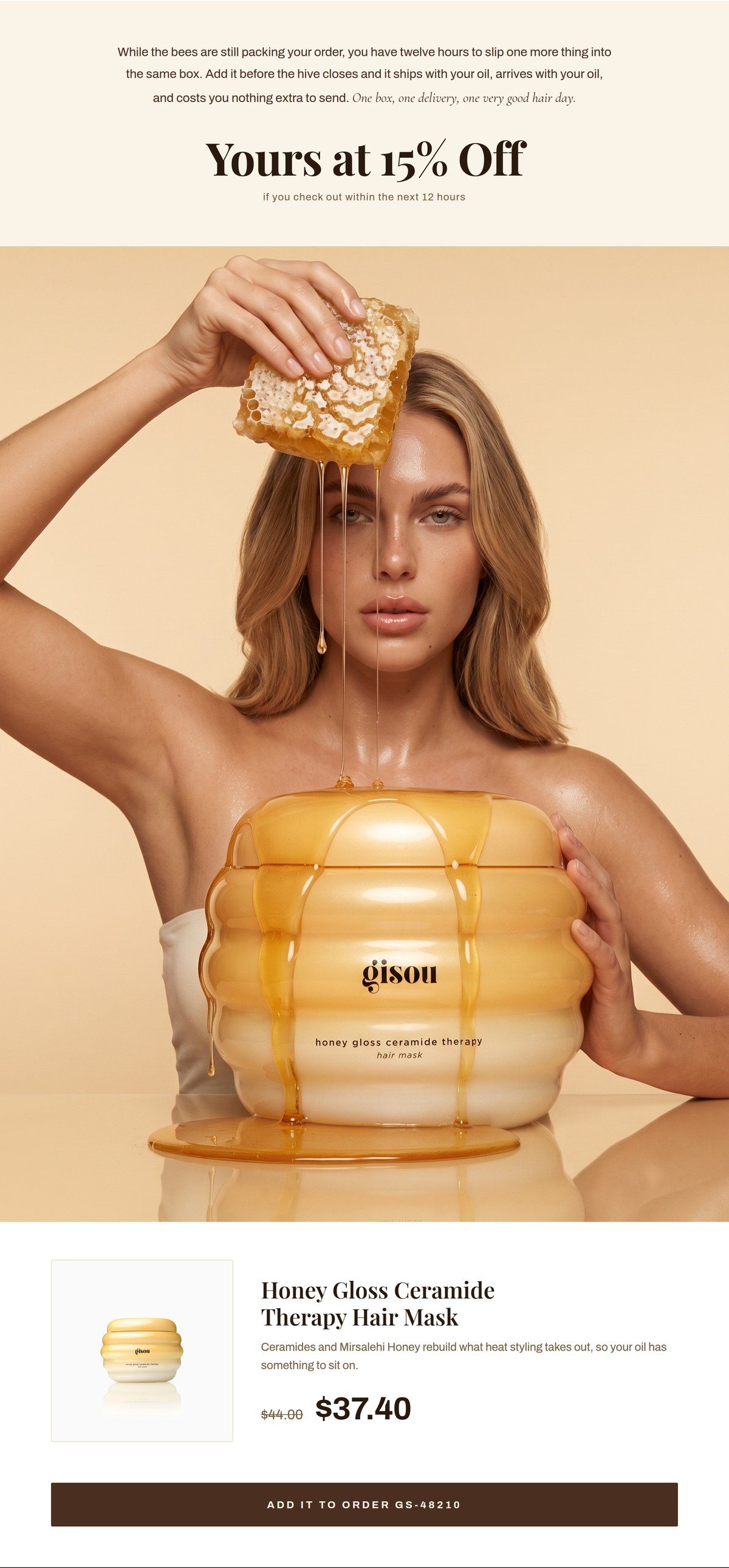
Gisou is not a client of mine, this was not commissioned by or shown to the brand, and I am not affiliated with them. The customer name and order details are invented for the demo.
Check every placement.
Open the email and the banner where your customer will actually see them, on a phone and on a desktop. Check a box only after you have looked.
The email banner
The website banner
The copy
Every placement
0 of 8 checks reviewed.
Let AI review it with you.
Take a screenshot of the email on your phone and the banner on desktop and on a phone. Attach them with your original campaign images, fill in the brackets, and send.
Copy into Claude or ChatGPT
Review my campaign placements before I publish them.

Attached:
A. Email, screenshot on my phone
B. Website banner, screenshot on desktop
C. Website banner, screenshot on my phone
D. My original campaign images

Product page: [paste link]
Campaign message: [the one thing customers should remember]
Offer, exactly as it should read: [offer, dates, code]

Check each placement:
1. Is the product easy to find at a glance, and still in frame after cropping?
2. Is there one clear focal point?
3. Is every headline and button readable, and does any copy cover the product?
4. Quote every word you can see in the images exactly as written, and compare it to my offer. Flag any spelling, price or date that does not match.
5. Do the email, the banner and the images all say the same message, with the same product, offer and look?

If you cannot see something clearly, mark it "cannot verify." Do not invent product facts.

Return a table: Placement | Check | Pass / Fix / Cannot verify | What to fix.
Then list the top three fixes, with product and offer errors first.
The one thing that breaks it: asking the image tool to write your headline or offer. Generate the image clean, then add every word yourself.
Sizes from Klaviyo's email width reference and images in emails reference. Other email platforms may differ, so check yours.