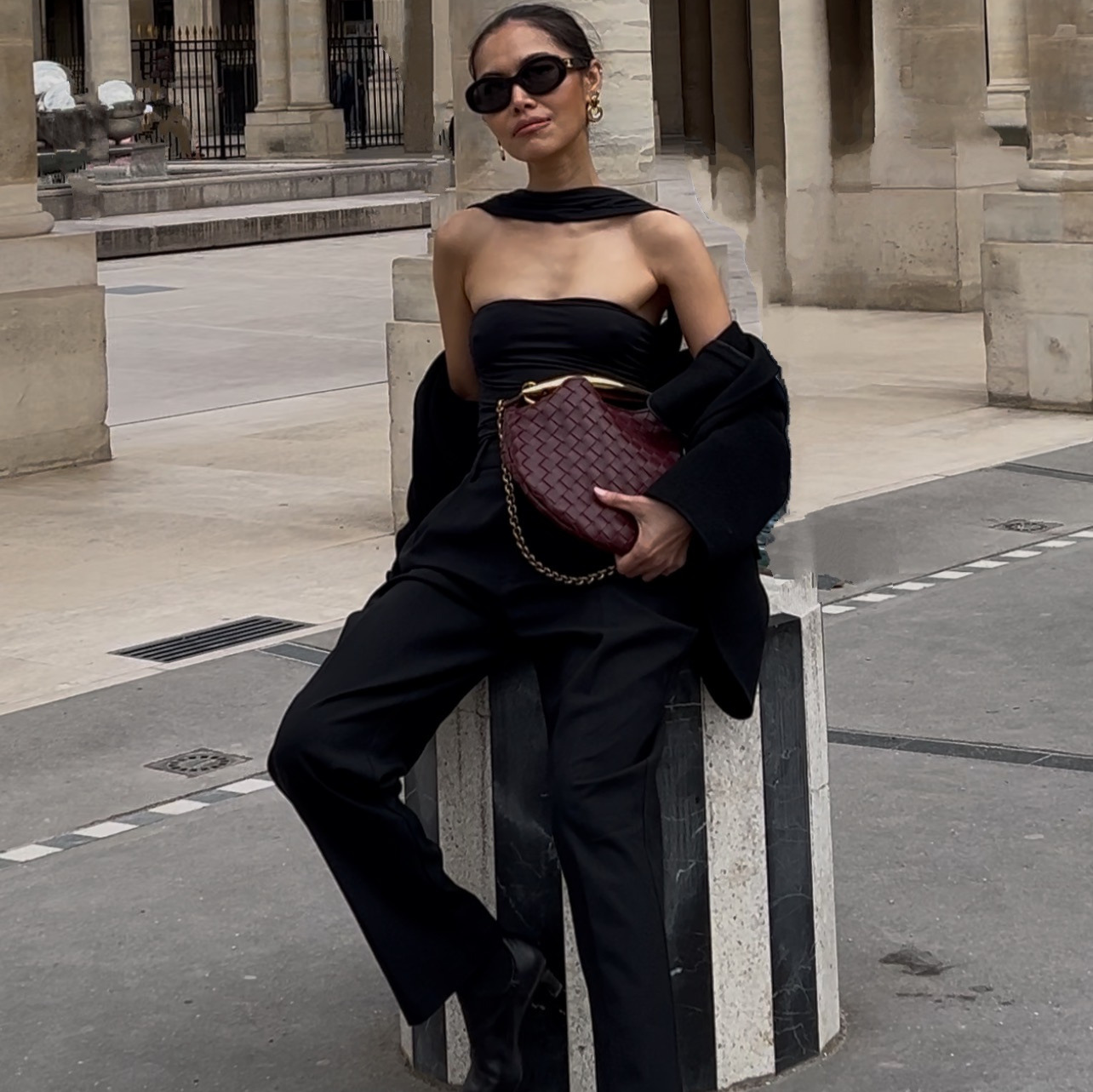
Every brand owner has stared at a competitor's ad and thought, that works, I wish I had that. Most either try to copy it too closely and end up with something that looks derivative, or they open an AI image generator with no plan and burn through credits guessing their way to something usable.
This replaces both. It is the exact four-step process I use to take a competitor's best-performing ad and rebuild it, same proven layout and message structure, with the client's own product photos and brand system, in under an hour.
You will not touch design software. You will look at what is already working, describe it to Claude in plain English, and only spend AI generation credits once, because you get the exact prompt in writing before anything renders.
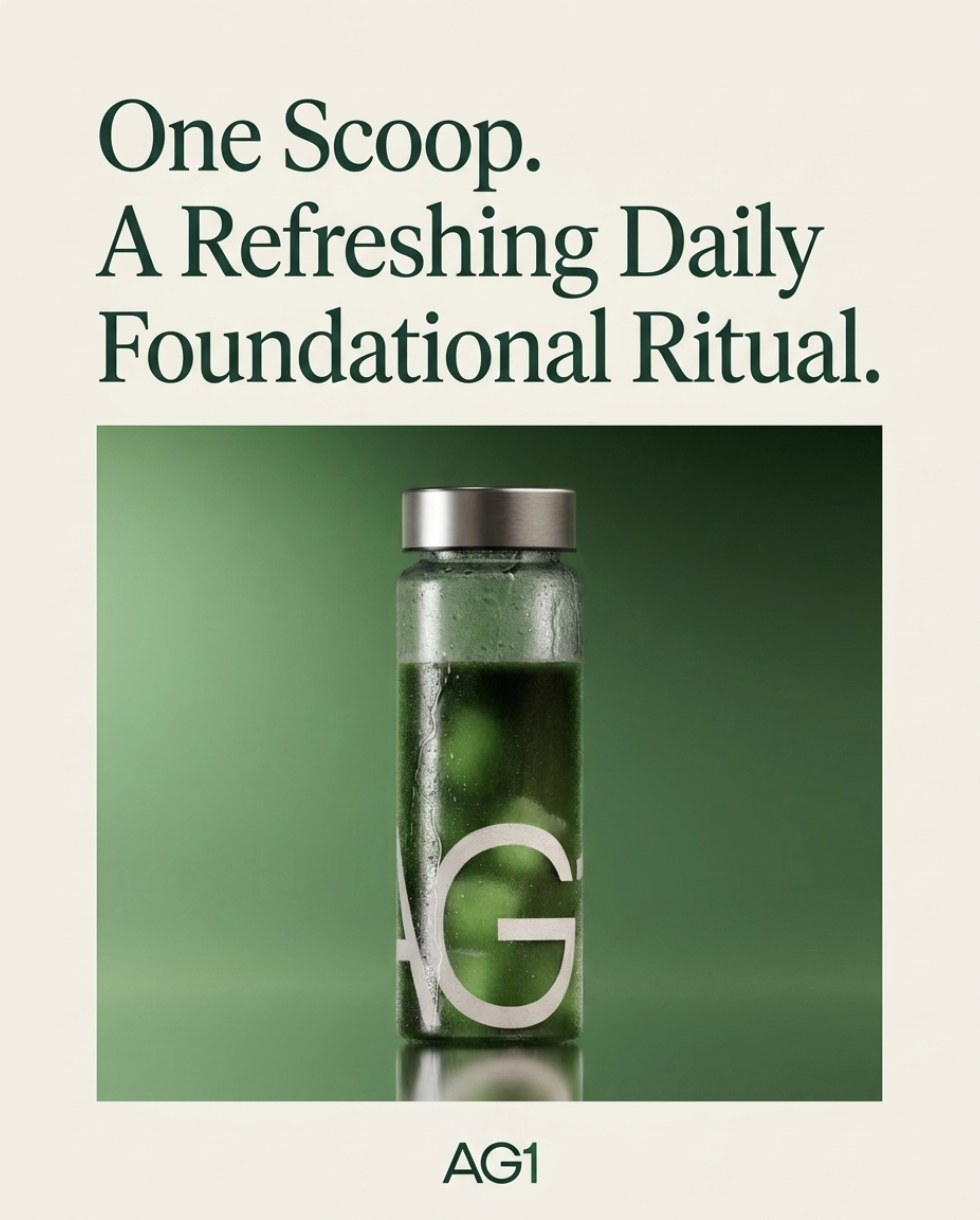
Worked exampleA competitor's glass-pour hydration ad, rebuilt from scratch using a different brand's own product photo, headline font, and color system.
The whole thing on one page
| Step | What you do | How long |
|---|---|---|
| 1 | Use Claude in Chrome to browse the Meta Ads Library and see your competitors' top-performing ads | 10 min |
| 2 | Decide the creative direction you actually want, before opening any tool | 5 min |
| 3 | Gather your inspiration ad and your own product photos in one place | 10 min |
| 4 | Ask Claude for the exact prompt and copy first, approve it, then generate once | 15 min |
What you need before you start
- Claude with the Chrome browsing tool. This is what lets it open the Meta Ads Library and look at ads for you instead of you scrolling and screenshotting by hand.
- 2 to 3 of your own product photos. Clean, well-lit shots of the product you are advertising. The recreation is only as good as the real product photo you feed it.
- An AI image generator connected to Claude, such as Higgsfield. Any generator works as long as Claude can hand it a written prompt.
Where do I find out what is actually working for my competitors?
Open the Meta Ads Library and search your competitor by name until you find their verified page, the one with the blue checkmark and a real follower count. Sort by impressions, high to low, not by recency. An ad with real spend and impressions behind it has already been tested against an audience. A brand new ad has not proven anything yet.
Sort by impressions, not by "active" or recency. A large ad account runs dozens of ads at once. Impressions tell you which ones the algorithm and the audience have actually rewarded with real spend.
How do I turn "I like this ad" into a real creative direction?
Before you open any generation tool, decide in one sentence what you want the recreation to say and show. Not "make it look like that ad," but the actual angle: is this a product-in-use shot, a before-and-after, an ingredient story, a social-proof layout. Write that sentence down. It becomes the brief you hand to Claude in step 4.
Where do I find inspiration for the actual visual?
Save the competitor ad screenshot from step 1 next to your own product photos in one folder. If you have a reference image of your own brand's colors, fonts, and layout style, such as a past ad or your product packaging, save that too. Claude uses these to lock one consistent brand system across every recreation, instead of guessing at your colors from a text description.
How do I avoid burning through AI credits with trial and error?
This is the step that saves you money. Do not ask Claude to generate the image right away. Ask it to write out the exact image prompt and any ad copy first, so you can read it and catch a wrong product, a missing brand color, or an invented claim before anything renders.
Read the prompt before you approve it. Check three things: is it your real product, is every brand color and font named exactly, and is there any claim or number in the copy that is not actually true of your product. Fix those in chat, then approve.
Once the prompt reads back exactly what you want, hand it to your image generator once. That single approved prompt is what produced the worked example at the top of this guide.
Building more than one recreation? Optional
If you are rebuilding several of a competitor's top ads at once, lock the brand system, the exact background color, font, and accent color, in the first prompt, then reuse that same language in every prompt after it. This is what keeps five separate recreations looking like one campaign instead of five different experiments.
The prompt chain, in order
| # | Prompt | What you get |
|---|---|---|
| 1 | Find the proven ads | Your competitor's top 5 ads by impressions, with screenshots |
| 2 | Lock the brief before you generate | The exact image prompt and ad copy, ready to approve or correct |
Four things that make the difference
Sort the Ads Library by impressions, not recency. That is the only signal that tells you real money and a real audience have already validated the creative.
Name your exact brand system in the first prompt. Background color, headline font, accent color, and your product photo, every time. Vague direction produces a generic result.
Reference your own product photo directly. Do not describe your product from memory and let the model guess. Attach the real photo so the recreation actually shows what you sell.
Never let a number or claim into the ad copy that you cannot point to on your own packaging or product page. A recreation that borrows a competitor's proof point as if it were yours is not a shortcut, it is a liability.
The checklist
- I sorted the Ads Library by impressions and found the competitor's actual top-performing ads, not just their newest ones
- I can say my creative direction in one sentence, not just "make it look like that"
- I have my own product photos and the competitor screenshot saved together
- I asked for the prompt and copy in writing and read it before approving anything
- Every color, font, and claim in the final prompt is actually mine to use
Is it legal to recreate a competitor's ad?
Yes, as long as you are not reusing their actual images, video, or copy. You are studying a layout and message structure that is already proven to work in your category, then rebuilding it from scratch with your own product photos, your own copy, and your own branding. That is standard competitive research, the same thing agencies have always done with swipe files.
What if I do not have Claude in Chrome?
You can still do steps 2 through 4 by browsing the Meta Ads Library yourself and pasting a screenshot of the ad you want to recreate directly into your chat with Claude. Claude in Chrome just saves you the manual browsing and screenshotting.
Why ask for the prompt before generating the image?
Because every image generation costs credits, and a vague brief almost never produces the right result on the first try. Reading the prompt and copy before you generate lets you catch a wrong product, a missing brand color, or invented claims while it still costs nothing to fix.